Looking for the best AI logo maker? The fastest way to get a usable logo today is an AI logo maker: answer a few questions about your brand, and the tool generates dozens of design concepts in under a minute, ready to customize and download.
Picking the best AI logo maker is harder than it looks, though. We compared the tools business owners actually use in 2026, not just the ones with the biggest ad budgets, and scored each one on output quality, pricing transparency, and file formats. This guide ranks the 10 best AI logo makers, breaks down pricing side by side, and covers the two things most roundups skip: copyright risk and knowing when AI isn’t the right call at all. If you’re also building out your marketing stack, see our roundup of AI tools for SEO.
Table of Contents
Our Top Picks: Best AI Logo Maker by Use Case
Short on time? Looka is the best AI logo maker for most businesses, Canva is the strongest free start, and Brandmark wins if you want a full brand identity. Here’s the quick version for every use case, before the full reviews.
- Best overall: Looka
- Best free option: Canva, or Shopify Logo Maker for zero cost
- Best for copyright confidence: Adobe Express
- Best for full brand identity: Brandmark
- Best for clear commercial rights: Fiverr Logo Maker
- Best for trying before you buy: Logomaster.ai
What Is an AI Logo Maker?
An AI logo maker is software that generates original logo concepts from a short brand questionnaire, using machine learning models trained on design patterns instead of a human designer sketching from scratch. You pick your industry, style preferences, and colors, and the tool returns a set of ready-to-edit options in seconds.
Most platforms go further than a single image. They also hand you a brand kit: color palettes, font pairings, social media templates, and business card layouts built around the same mark. That’s the real shift from 2023-era tools, which just produced a PNG and left you on your own. The brand kit is often what separates the best AI logo maker from a basic generator.
How We Ranked the Best AI Logo Maker Tools
To find the best AI logo maker, we ranked each tool on five factors that decide if a logo is usable after you pay for it: output quality, pricing transparency, file formats, licensing terms, and extras beyond the logo. A tool that looks impressive in the editor but locks vector files or rights behind upsells ranked lower.
- Output quality: how usable the concepts are without heavy editing or a designer’s touch-up.
- Pricing transparency: if you see the real price before you commit, and if any subscription is clearly disclosed.
- File formats: if you can get vector files (SVG or EPS) for print, and at which price tier.
- Licensing: how clearly the tool states your commercial usage rights.
- Extras: what comes beyond the logo file, such as brand kits, social templates, and business cards.
Each tool also gets a “Best for” label, because the best AI logo maker for an ecommerce seller on a zero budget isn’t the best one for a founder building a full brand identity.
The 10 Best AI Logo Maker Tools in 2026
Here’s how each tool performed against those five factors. There’s no single best AI logo maker for everyone, so match each pick to the “Best for” label that fits your situation.
Looka
Best overallFrom $35 one-time
At a glance: Free to design: Yes · Free download: No · Vector files: Premium package ($72) · Paywall: any download
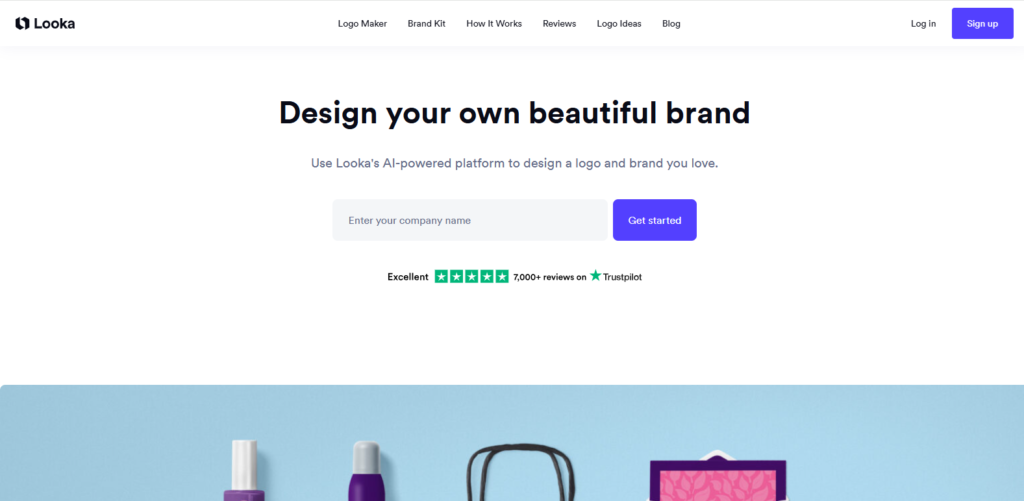
Looka asks for your company name, industry, and a few logos you like, then generates a large batch of concepts in seconds. You refine them in a drag-and-drop editor by swapping icons, fonts, colors, and layouts, and the preview shows the logo on business cards, shirts, and signage before you buy.
It’s consistently the most-cited pick across independent reviews because the output rarely needs a designer’s touch-up. If you want one answer to “which is the best AI logo maker,” Looka is it for most small businesses.
Key features
- AI concept generator driven by your industry and style picks
- Live mockups on cards, apparel, and signage before you pay
- Brand Kit with 300+ branded templates: social posts, business cards, email signatures, letterheads, invoices, and brand guidelines
- Optional Brand Kit Web plan that adds a simple website
Pricing
- Basic Logo Package ($35, one-time): one low-res PNG
- Premium Logo Package ($72, one-time): high-res PNG, SVG, EPS, and PDF files, color variations, transparent backgrounds, and unlimited changes after purchase
- Brand Kit ($8/mo, billed annually): hi-res and vector logo files plus the full brand asset library
- Brand Kit Web ($10.75/mo, billed annually): everything in Brand Kit plus a website
Strengths
- Clean, professional output out of the box
- You keep full ownership of your logo even after a Brand Kit subscription ends
- Every format you need for print comes in one Premium purchase
Watch for
- No free download, even low-res
- The $35 Basic package is a single low-res PNG, so most buyers need Premium
- Looka says you own the logo as a whole, but not its individual symbols
Verdict: Buy the Premium package, not Basic. At $72 it’s the best AI logo maker value for a business that needs one logo in every format.
Canva AI Logo Generator
Best for beginners | Free / Pro $18/mo
At a glance: Free to design: Yes · Free download: Yes, PNG · Vector files: Canva Pro · Paywall: SVG and transparent background
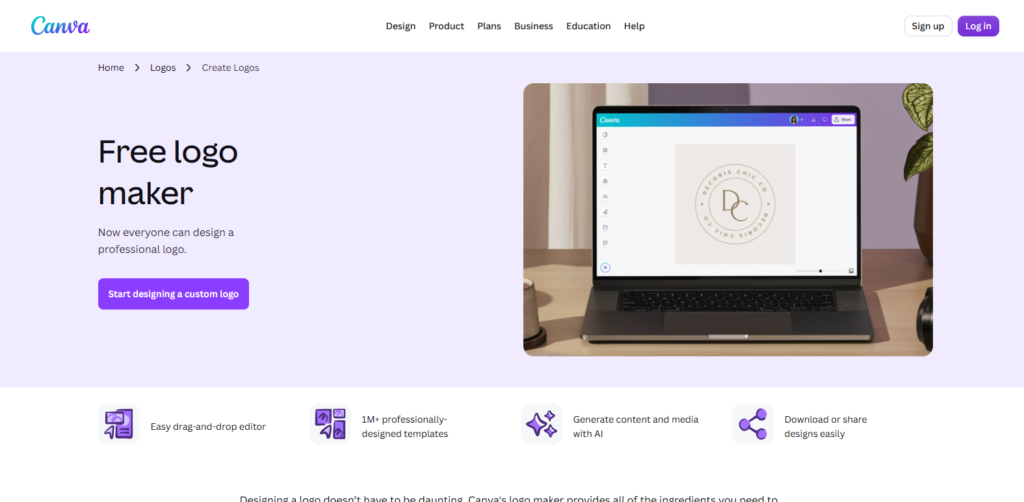
Canva’s logo tool sits inside its familiar drag-and-drop editor. You can start from AI-generated ideas or more than 1 million professionally designed templates, then edit text, icons, and colors the same way you’d edit a social post.
The free plan lets you build and download a basic logo. Transparent backgrounds and SVG export need Canva Pro. For beginners on a budget, it’s the best AI logo maker to start with because testing it costs nothing.
Key features
- AI design generation plus a large logo template library
- Brand Kit to store your logo, colors, and fonts (1 kit on Free, up to 5 on Pro)
- Background remover and transparent downloads on Pro
- One-click reuse of your logo across posts, slides, and print designs
Pricing
- Free ($0): logo design, PNG and JPG downloads, 1 brand kit with up to 3 colors
- Pro ($18/mo or $144/yr): transparent backgrounds, SVG export, background remover, up to 5 brand kits
- Business ($25 per user/mo): team features and up to 100 brand kits
Strengths
- No learning curve if you know Canva
- Genuinely usable free tier
- Easy to extend the logo into every other asset you design
Watch for
- Transparent PNG and SVG locked behind Pro
- Template-based results can look like other Canva logos
- Templates aren’t exclusive, which weakens trademark claims
Verdict: Use Canva if you already design in it or need a free start. Change the template heavily so your logo doesn’t match someone else’s.
Adobe Express
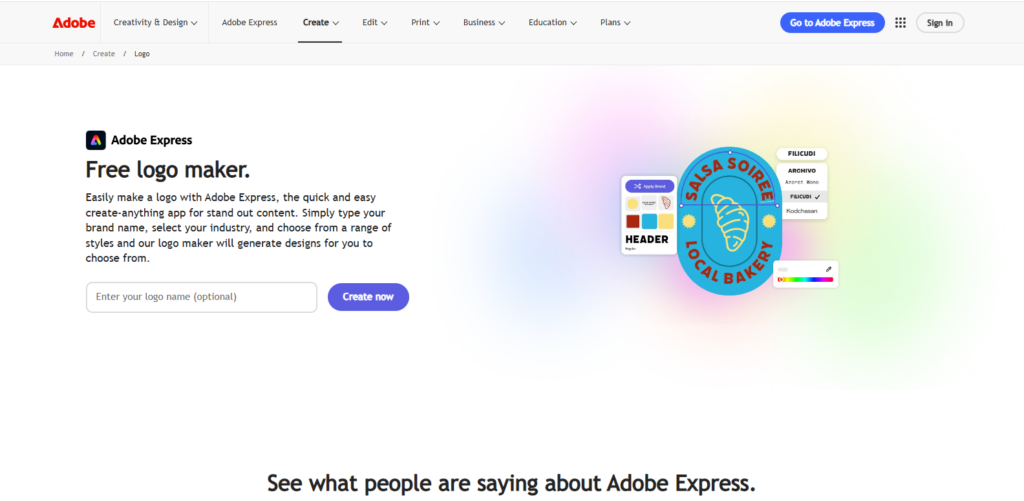
Best for design pros | Free / Premium $9.99/mo
At a glance: Free to design: Yes · Free download: Yes · Vector files: check your plan · Paywall: generative credits and premium assets
You type your brand name, pick your industry and a style, and Adobe Express generates logo designs to choose from. Its AI features run on Firefly, Adobe’s own image model, which is trained on Adobe’s licensed content and stock library rather than scraped web data, so its output carries more copyright confidence than tools built on general-purpose image models.
That licensing edge makes it the best AI logo maker for anyone worried about ownership. The editing tools also sit closer to Photoshop and Illustrator, so layer control and typography run deeper than in most logo tools.
Key features
- Logo generation from your brand name, industry, and style
- Adobe Fonts and stock assets inside the editor
- Brand kits to lock in colors, fonts, and logos
- Easy handoff to Illustrator if you later hire a designer
Pricing
- Free ($0): core editing tools and limited daily generations
- Premium ($9.99/mo): 250 generative credits per month plus premium fonts, templates, and assets
- Teams: per-seat plans with a 2-seat minimum and 250 credits per user
Strengths
- Firefly’s licensing gives more copyright confidence
- Deeper editing than typical logo tools
- Free plan good enough to test the generator
Watch for
- Steeper learning curve for true beginners
- Free generations are limited
- Confirm SVG export on your plan before you rely on it for print
Verdict: Choose Adobe Express if copyright confidence and editing control matter more than speed. It’s the best AI logo maker for users who already know Adobe tools.
Brandmark
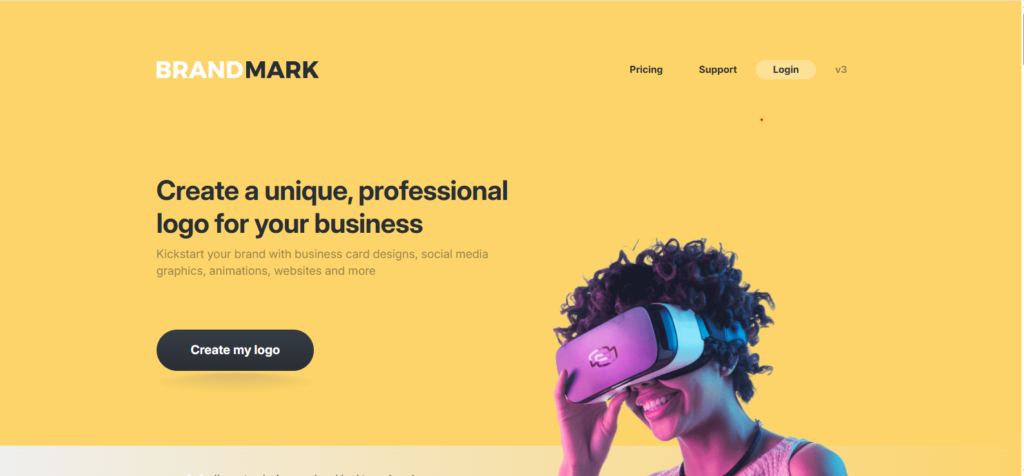
Best for full brand identity | From $35 one-time
At a glance: Free to design: Yes · Free download: No · Vector files: Basic package ($35) and up · Paywall: any download
Brandmark asks for your business name, a slogan if you have one, and a few keywords. It then generates unlimited logo concepts for free, with no sign-up needed to browse them. You adjust icons, fonts, colors, and layouts in the browser editor, and you only pay when you want to download.
It treats the logo as the start of a brand, not the finished product. The Designer package adds brand guidelines, business cards, social media designs, presentation templates, and a one-page website, all matched to your logo. If you want a consistent identity without a monthly bill, Brandmark is the best AI logo maker on this list for that job.
Key features
- Unlimited free logo generation and editing before you buy
- Brand guidelines covering your logo, colors, and fonts
- Matching business cards, social media designs, and presentation templates
- One-page website built around your brand on Designer and up
Pricing
- Basic ($35, one-time): logo files in PNG and vector format
- Designer ($95, one-time): adds source files, unlimited revisions, brand guidelines, one-page website, business card, social media, and presentation designs
- Enterprise ($195, one-time): everything in Designer plus up to 10 original hand-crafted concepts and font downloads
Strengths
- Lowest one-time price for vector files on this list, from the $35 Basic package
- Full brand kit for a one-time price, with no subscription
- Full copyright for commercial use, and you can keep editing after purchase
Watch for
- No free download, even low-res
- Basic gets you only the logo files, so Designer is the real entry point for a full brand
- Font files only come with the $195 Enterprise package
Verdict: Buy the Designer package if you’re building a full brand in one place. If you only need a logo in every format, the $35 Basic package is the cheapest one-time way to get vector files on this list.
Tailor Brands
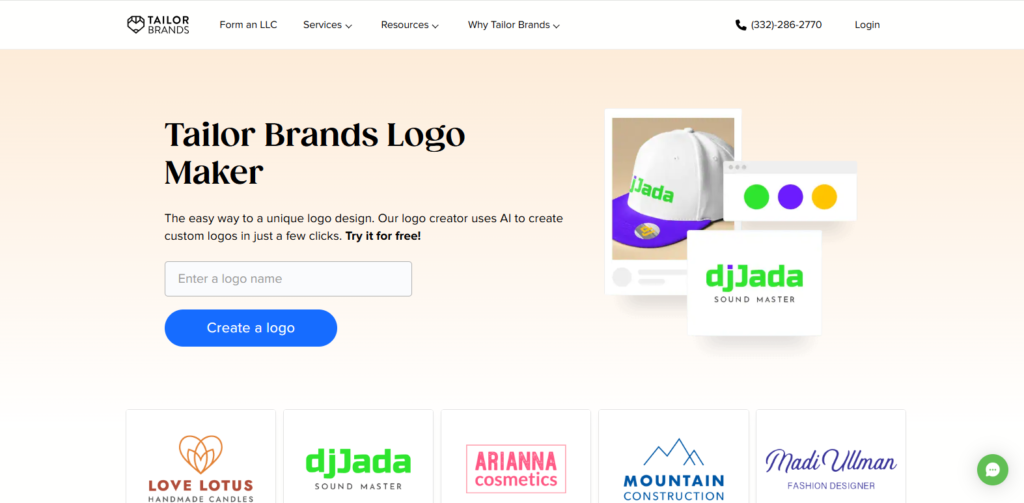
Best for logo + business setupSubscription
At a glance: Free to design: Yes · Free download: Low-res only · Vector files: Paid (EPS, SVG) · Paywall: high-res files
Tailor Brands moves you through font, icon, and theme choices to build a broader identity, not just a mark. It’s aimed at people launching a full business, and its own site now leads with LLC formation, compliance, and business tools alongside the design side.
If you’re starting a company from scratch, it’s the best AI logo maker for handling design and setup in one place.
Key features
- Guided logo builder for non-designers
- High-res PNG, SVG, and EPS files on paid plans
- LLC formation, compliance filings, and bookkeeping tools
- Website and branding tools on the top business plan
Pricing
- Logo subscriptions: third-party listings show logo plans from about $4 to $10 a month
- Elite business plan ($249/yr): LLC formation plus a website, branding tools, and 8 logos
- Free users get a low-res download only
Strengths
- Useful if you’re also forming a new business
- Guided workflow suits non-designers
- Full commercial rights to the logo once purchased
Watch for
- Only low-res download without paying
- Pricing is harder to compare than one-time packages
- Output can feel less distinctive than Looka or Design.com
Verdict: Worth it only if you’ll use the business tools too. For a logo alone, a one-time package is simpler.
Wix Logo Maker
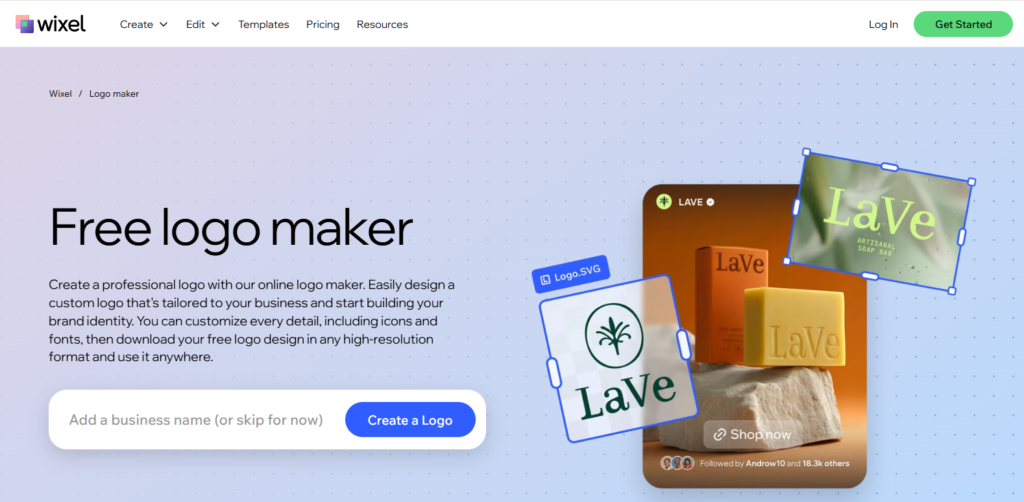
Best for Wix site ownersFree PNG / paid from ~$20
At a glance: Free to design: Yes · Free download: PNG for non-commercial use · Vector files: Advanced and Brand Plus · Paywall: commercial use and SVG
Wix’s tool learns your taste by showing paired logo designs and asking which you prefer, then refines its suggestions from your picks. You can also describe your brand in plain words and let the AI generate options.
The logo drops straight into your site header with no extra export step, so for Wix users it’s the best AI logo maker on convenience alone.
Key features
- Preference-based quiz that learns your style
- AI generation from a short brand description
- Direct use in Wix sites, emails, and social posts
- Business card designs and extra assets on Brand Plus
Pricing
- Free: PNG download for non-commercial use only
- Advanced: adds SVG files and commercial use; paid plans start around $20
- Brand Plus: adds unlimited logo changes and printable business card designs
Strengths
- Preference-based flow feels personalized
- Zero friction if you’re on Wix already
- Free PNG lets you test before paying
Watch for
- Free file isn’t licensed for business use
- Less useful if you’re not on Wix
- SVG only on the two paid plans
Verdict: A natural pick for Wix users. Buy a paid plan before you use the logo on anything commercial.
BrandCrowd
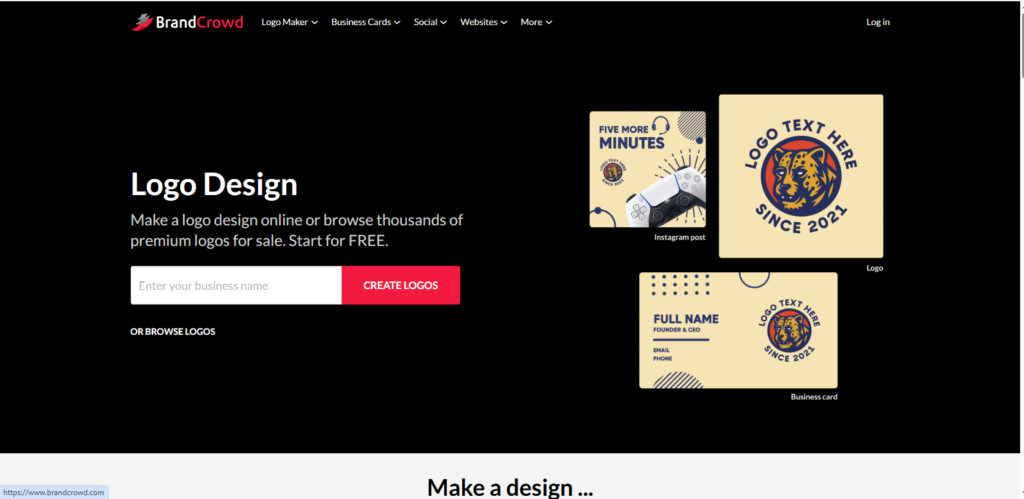
Best for freelancersFrom $15/mo
At a glance: Free to design: Yes · Free download: No · Vector files: Yes, paid · Paywall: any download
BrandCrowd generates logo options from a library of more than 100,000 designs and pairs them with a wider toolkit for social media, print, and marketing assets. You can go from a business name to a polished logo in minutes.
Speed makes it the best AI logo maker here for quick client work, and the bundled templates help freelancers deliver a small brand pack, not just a logo.
Key features
- 100,000+ logo designs to start from
- Files in PNG, JPG, SVG, EPS, and PDF
- Social templates such as Facebook covers, YouTube banners, and Zoom backgrounds
- Business cards with optional printing, plus email signatures, flyers, and invoices
Pricing
- Basic ($15/mo): high-res and vector logo files plus core editing tools
- Value ($24/mo): more templates and formats
- Premium ($29/mo): extra tools such as digital business cards and expanded social formats
- Annual billing is usually cheaper per month
Strengths
- Fast turnaround from prompt to download
- Every major file format, including SVG and EPS
- You keep the files you bought without an active subscription
Watch for
- Templates are non-exclusive, so others may use similar designs
- Designs can repeat across unrelated industries
- Prices shift by region and currency
Verdict: For freelancers who need speed and a full asset pack, BrandCrowd is the best AI logo maker here. Customize the template so the result is clearly yours.
Fiverr Logo Maker
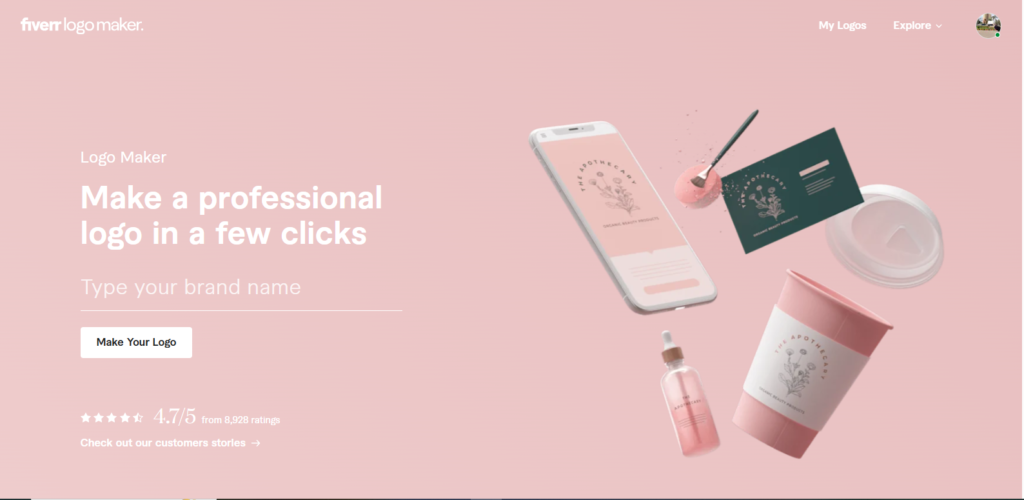
Best for commercial rights clarityFrom $30 one-time
At a glance: Free to design: Yes · Free download: No · Vector files: Professional package ($60) and up · Paywall: any download
Fiverr’s tool starts with a style quiz on colors, fonts, and sample logos. Its designs are based on work from Fiverr’s freelance designers, and AI adapts them to your brand name and choices. Files are delivered right after checkout.
Its commercial usage terms are stated plainly upfront. If licensing clarity matters more to you than raw design variety, it’s the best AI logo maker for peace of mind.
Key features
- Style quiz that matches you with designer-made templates
- Instant delivery of all files after checkout
- Social media kit, favicon, and brand guidelines PDF on higher packages
- Option to buy new variations of the same logo later
Pricing
- Essential ($30, one-time): high-res PNG and transparent PNG
- Professional ($60, one-time): adds SVG, favicon, social media kit, and a brand guidelines PDF
- Unlimited ($90, one-time): everything in Professional plus free revisions
Strengths
- Clear commercial and non-commercial rights on every package
- One-time pricing with no subscription
- Brand guidelines PDF included from Professional up
Watch for
- SVG only from the $60 Professional package
- Rights aren’t exclusive; Fiverr says a design could be sold more than once
- Design range is narrower than Looka or Design.com
Verdict: For a fixed, one-time budget, Fiverr is the best AI logo maker pick. Get the Professional package for the SVG and brand guidelines, then tweak the design so it’s distinct.
Shopify Logo Maker (formerly Hatchful)
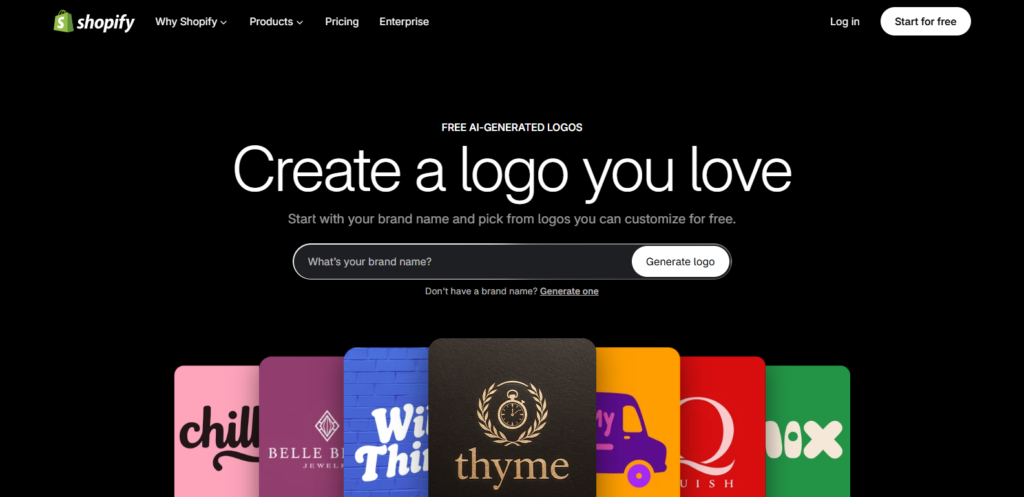
Best free optionFree
At a glance: Free to design: Yes · Free download: Yes, PNG kit · Vector files: None · Paywall: none
Shopify retired the standalone Hatchful domain in 2025, and the same free tool now runs on Shopify’s website. You enter a brand name and optional slogan, choose an industry and visual style, and say where the logo will be used. The tool then generates options you can adjust with preset fonts and colors.
It leans on templates more than true generative AI. It isn’t the best AI logo maker for originality, but nothing else here beats it at zero cost.
Key features
- Completely free, with no watermark or paid tier
- Sign-up needed only at the download step
- Download kit with a standard logo, transparent version, and favicon
- Pre-sized graphics for Facebook, Instagram, LinkedIn, Pinterest, X, and YouTube
Pricing
- Free ($0): the full PNG download kit
Strengths
- Zero cost, no catch
- Transparent PNG and social sizes included free
- Fast setup for new store owners
Watch for
- PNG only, with no SVG, EPS, or PDF
- Template-based, so output feels less original
- Not suited to printing at large sizes
Verdict: For a store launch on a zero budget, it’s the best AI logo maker available. Plan to recreate the logo as a vector file before you print anything.
Logomaster.ai
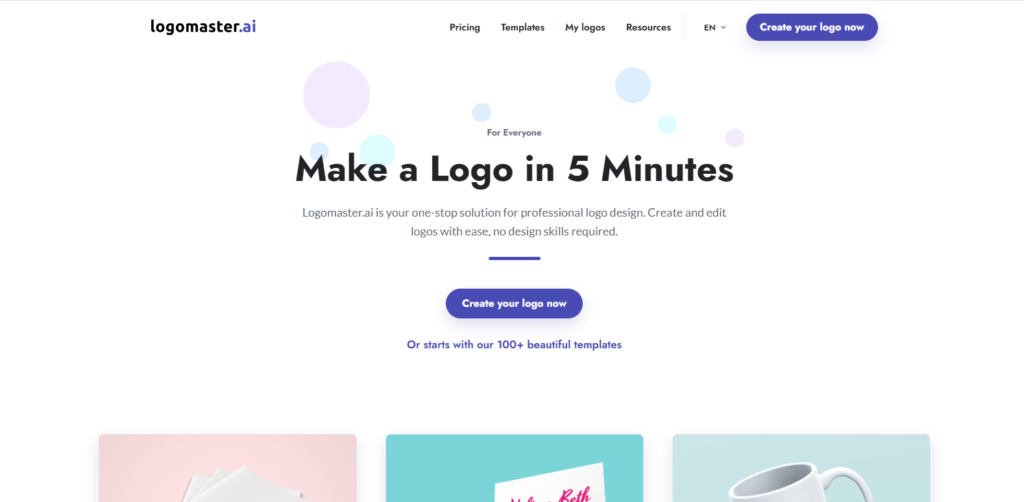
Best try-before-you-buyFrom $31.90 one-time
At a glance: Free to design: Yes · Free download: No · Vector files: print-ready files on Premium · Paywall: any download
Logomaster.ai lets you generate and preview logos before you pay anything. You only buy when you see a design you like, which removes the usual risk of paying upfront for a tool that might not deliver.
That makes it the best AI logo maker for testing ideas before you spend money, and its one-time packages scale from a single web-ready logo to a full set of brand assets.
Key features
- Free logo generation and preview
- Logos on white and transparent backgrounds
- Mockups, social media assets, and up to 5 logo variations on Enterprise
- Font names and color palette supplied for brand consistency
Pricing
- Basic ($31.90, one-time): high-res, web-ready files on white and transparent backgrounds; no changes after purchase
- Premium ($86.80, one-time): adds print-ready files, unlimited changes, and a custom background color
- Enterprise ($141.80, one-time): all colors, up to 5 logo variations, social assets, mockups, and a font and color guide
Strengths
- No payment until you like a design
- One-time pricing, no subscription
- Enterprise package covers a starter brand kit
Watch for
- Basic doesn’t allow changes after purchase
- Print-ready files start at $86.80
- File formats per package aren’t listed clearly before checkout
Verdict: It’s the best AI logo maker for risk-free exploring. Buy Premium if you’ll ever print the logo.
Best AI Logo Maker Comparison Table
Here’s every tool from this list on one screen. Compare starting price and file formats, and spot the best AI logo maker for your budget without reopening ten tabs.
| Tool | Starting Price | Free Download | Vector (SVG) Export | Where the Paywall Hits | Best For |
|---|---|---|---|---|---|
| Looka | $35 one-time | No | Premium ($72) | Any download | Overall quality |
| Canva | Free / Pro $18/mo | Yes, PNG | Pro | SVG, transparent background | Beginners |
| Adobe Express | Free / $9.99/mo | Yes | Check plan | Generative credits | Design control |
| Brandmark | $35 one-time | No | Basic ($35) and up | Any download | Full brand identity |
| Tailor Brands | Subscription | Low-res only | Paid plans | High-res files | Logo + business setup |
| Wix Logo Maker | Free / from ~$20 | PNG, non-commercial | Advanced and up | Commercial use, SVG | Wix site owners |
| BrandCrowd | From $15/mo | No | Yes, paid | Any download | Freelancers |
| Fiverr Logo Maker | $30 one-time | No | Professional ($60) | Any download | Commercial rights clarity |
| Shopify Logo Maker | Free | Yes, PNG kit | No | None | Ecommerce sellers |
| Logomaster.ai | $31.90 one-time | No | Premium ($86.80) print files | Any download | Try before you buy |
Quick take
- Only Shopify Logo Maker is free from start to finish, and it exports PNG files only. Wix’s free PNG is for non-commercial use.
- The most common paywall is the download itself: Looka, BrandCrowd, Fiverr Logo Maker, and Logomaster.ai all charge before you get any file.
- Vector files are paid almost everywhere, so budget for them if you plan to print, whichever best AI logo maker you choose.
What “Free” Really Means in an AI Logo Maker
“Free” on a logo tool usually means free to design, not free to download. Most tools let you build and edit at no cost, then charge at the point you need a usable file. Knowing where each paywall sits is the fastest way to find the best AI logo maker for your budget.
Free to design vs. free to download
Almost every tool on this list lets you generate and edit concepts without paying. The real question is what you can take away. Check the download screen before you spend an hour refining a design.
Low-res files and watermarks
Free downloads are often small PNG or JPG files. They work for a social profile, but they blur on a website header and fail in print. Test a sample download from any best AI logo maker you shortlist before you commit.
Transparent background
A transparent PNG lets your logo sit on any color, photo, or product shot. Several tools lock it behind a paid plan, including Canva, while Shopify Logo Maker and Fiverr’s cheapest package include it.
Vector files (SVG, EPS, PDF)
Vector files scale to any size without losing quality. You need them for signage, packaging, and merchandise, and they are the most common upsell.
Subscription vs. one-time purchase
A one-time package means you own the files you paid for. A subscription can tie your download access to an active plan, so read the terms before you build a brand on it.
How to Choose the Best AI Logo Maker for Your Business
Pick the best AI logo maker for you based on three factors: how much you’re willing to pay upfront, if you need vector files for printing, and if you want a standalone logo or a full brand kit built around it. Getting this order right saves you from paying twice.
- Just need a placeholder logo for a website launch? A free tier from Canva or Shopify Logo Maker is enough.
- Printing signage, packaging, or merchandise? You need SVG or EPS files, which means Looka Premium, any Brandmark package, a paid BrandCrowd plan, Fiverr Logo Maker Professional, or a paid Wix or Tailor Brands plan.
- Building a brand from zero, including business cards and social templates? Brandmark or Tailor Brands save the most time overall.
- Worried about losing access later? Check if the tool locks your logo behind an ongoing subscription just to keep using files you already paid for. Looka, Brandmark, and BrandCrowd let you keep files you bought, but read the terms of any tool you pick, since lost download access is a real risk if your brand depends on that file.
- Need multiple logo variations? A full lockup, an icon-only mark, and a horizontal version are standard needs, but only a few tools handle them well without manual rework. Test the export options before you pay.
Run your top two picks through this checklist, and the best AI logo maker for your business usually becomes obvious.
Copyright and Trademark: What Most Reviews Skip
AI-generated logos carry more copyright uncertainty than most reviews mention. In the United States, the Copyright Office’s current position is that works generated entirely by AI, with no meaningful human creative input, aren’t eligible for copyright protection. Even the best AI logo maker can’t change that. You can still use the logo commercially, but it affects how strongly you can enforce ownership against a copycat.
There’s a second, more practical risk. AI logo generators draw from overlapping training patterns, so you can end up with a mark that’s visually close to another business’s, especially in crowded categories like coffee shops or fitness brands. Before you commit to a design, run a basic trademark search and a reverse image search on the final file. It takes ten minutes and can save you a rebrand six months in. Even the best AI logo maker doesn’t run this check for you.
- Check your country’s trademark office database (the USPTO in the US) for conflicting marks in your category, or use WIPO’s Global Brand Database to search across countries
- Reverse image search the final logo to catch near-duplicates
- Read the specific platform’s commercial usage terms, not just its marketing page
- Keep your original design files and generation history as a paper trail
- Make your own edits to the concept (layout, type, color), since meaningful human changes strengthen your ownership claim
How to Get Better Results From an AI Logo Maker
The output quality of even the best AI logo maker depends heavily on what you feed it. A vague prompt like “coffee shop” returns generic results almost every time, while a specific one, like “modern specialty coffee brand with Scandinavian minimalism and earthy tones,” produces sharper, more distinct concepts.
The best AI logo maker can only work with what you give it, so build your brief from five parts:
- Brand name plus a one-word personality: bold, calm, playful, premium
- Industry plus niche: “specialty coffee roaster,” not just “coffee”
- Style reference: minimalist, vintage, geometric, hand-drawn
- Colors or mood: two or three colors, or “earthy tones”
- What to avoid: no mascots, no gradients, no script fonts
Treat your first batch of results as a starting point, not a final answer. Generate several rounds with slightly different style or color inputs, shortlist your top three, then refine those in the editor rather than settling on the first decent option. Feed the same brief into two tools and compare, too. It’s the quickest way to see which is the best AI logo maker for your style.
Common Mistakes to Avoid When Using an AI Logo Maker
Choosing the best AI logo maker only solves half the problem; how you export and test the file matters just as much. The most common mistake is downloading a PNG and calling it done, without ever exporting a vector version. A raster file looks fine on your website today but turns blurry the moment you need it on a banner, a shirt, or packaging.
The second mistake is skipping the small-size test. Zoom your logo out to favicon size and check that it still reads clearly on a transparent background. A detailed mark that looks great at full size can turn into a muddy blob in a browser tab. Test it in black and white too, since you’ll need a single-color version for stamps, embroidery, or low-cost printing sooner than you’d expect.
The third mistake is choosing on headline price alone. A $35 PNG package that needs a $72 upgrade for vector files costs more than buying the right package first, so compare the price of the files you actually need.
When to Skip AI and Hire a Human Designer Instead
Even the best AI logo maker has limits. AI tools are the right call for a new business validating an idea, a side project, or a company that needs a placeholder brand fast. They fall short when your logo has to carry an established reputation, hold up legally against competitors, or work across a complex brand system. In those cases, a human designer is the better investment.
- Rebranding an established company: your mark needs to be distinctive and legally defensible, and that takes original work, not a template.
- Running a complex brand system: AI tools can’t handle multiple logo lockups, animation-ready assets, or strict accessibility contrast rules across many touchpoints.
Pushing an AI tool past what it’s built for usually costs more in rework than hiring a designer from the start. For most new businesses, the smart path is simple: launch with the best AI logo maker you can afford, then bring in a designer once the brand has earned the investment.
Which Is the Best AI Logo Maker? Our Verdict
Looka is the best AI logo maker for most small businesses because its output is ready to use with little editing. Choose Brandmark for a full brand identity on a one-time price, Canva if you need a free start, and Adobe Express if copyright confidence matters most. Whichever you pick, buy the vector files and run a trademark check before you launch.
Frequently Asked Questions About the Best AI Logo Maker
What is the best AI logo maker in 2026?
Looka is the best AI logo maker for most businesses, because its output looks professional with little editing. Its $35 Basic package is a single low-res PNG, and vector files for print come with the $72 Premium package. Canva is the strongest free option, and Brandmark is the better pick for a full brand identity.
Is the best AI logo maker worth paying for?
For most businesses, yes. Free tools usually cap you at low-res PNGs or basic exports, while a one-time package of $30 to $90 gets you files you can use on your website, in print, and on merchandise. Pay once for vector files instead of paying twice later.
Can I use an AI-generated logo commercially?
Yes, most platforms grant commercial usage rights once you buy the download, but the terms vary by tool and plan. Free plans sometimes come with tighter limits, so check the specific license before using the logo on products, packaging, or paid ads.
Can I trademark a logo made with an AI logo maker?
In most countries, yes. Trademark protection is separate from copyright, so an AI-generated logo can still be registered as a trademark if it’s distinctive and not confusingly similar to an existing mark. Run a trademark search in your category before you apply.
What’s the best free AI logo maker?
Canva is the best free AI logo maker for most businesses, though SVG export and transparent backgrounds need Canva Pro. Adobe Express also has a free plan with limited daily generations. Shopify Logo Maker is completely free, but it’s template-based and exports PNG files only.
Which AI logo makers give you vector (SVG) files?
Looka (Premium package), Brandmark (every package), BrandCrowd (paid plans), Fiverr Logo Maker (Professional package and up), Wix (Advanced and Brand Plus), and Tailor Brands (paid plans) all offer vector files. Canva includes SVG export only on Pro, and Shopify Logo Maker doesn’t offer vector files at all.
Do I need a vector file, or is a PNG enough?
A PNG is fine for a website or social media. For anything printed at scale, like signage, packaging, or merchandise, you need a vector file (SVG or EPS), because it stays sharp at any size.
How much should I expect to pay for an AI-generated logo?
One-time logo packages usually cost $30 to $90, depending on the file formats included, and full brand bundles reach about $140. Subscriptions run from about $8 to $29 a month, with brand-kit plans at the higher end. Free tools exist but usually limit you to low-resolution PNG downloads.
How long does it take to make a logo with an AI logo maker?
Most tools return concepts in under a minute. Even with the best AI logo maker, plan 30 to 60 minutes in total to try a few briefs, shortlist your favorites, refine one in the editor, and export the files you need.
Do I need a transparent background logo?
Yes, for most uses. A transparent PNG sits cleanly on colored backgrounds, photos, and product images, while a logo with a white box behind it looks unfinished on anything but white.
What size should I export my logo in?
Keep an SVG as your master file, then export PNGs from it as needed. A 512×512 px square covers most social profiles and site icons, a wider version suits your website header, and a 32×32 px version works as a favicon.
How do I check if my AI logo is too similar to another brand’s?
Run a reverse image search on your final logo, then search your country’s trademark database in your business category. If you find a close match, change the icon, layout, or lettering before you launch. No tool, not even the best AI logo maker, clears trademarks for you.
Can an AI logo maker replace a professional designer?
For a new or small business that needs a launch-ready logo fast, often yes. For an established brand, a complex brand system, or a mark you need to defend legally, a human designer is still the safer investment.
