
Link building is one of the most time-consuming SEO activities. Without the right link building tools, you’re manually researching websites, finding contacts, sending emails, and tracking results all by hand.
The difference between using link building tools and doing everything manually is the difference between acquiring 5 links per month and 50 per month.
But here’s the challenge: there are dozens of link building tools available, each claiming to be the best. Some are expensive. Some are free. Some are specialized. Some are general-purpose.
Choosing the wrong tools wastes money and time. Choosing the right tools accelerates your SEO growth exponentially.
This guide explains the best link building tools available in 2026, how to choose the right ones for your situation, and how to use them as part of a strategic workflow.
Table of Contents
What Are Link Building Tools?
Link building tools are software platforms designed to help you acquire backlinks more efficiently.
They automate or simplify specific parts of the link-building process: finding opportunities, analyzing competitors’ links, collecting contact information, managing outreach, and tracking results.
Why Link Building Tools Matter
Without tools:
– Researching one link opportunity takes 20-30 minutes
– Finding contact information requires multiple searches
– Tracking outreach is manual and error-prone
– Scaling is nearly impossible
With tools:
– Research takes 2-3 minutes
– Contact information is found automatically
– Tracking is automated and detailed
– Scaling is systematic
Who Should Use Link Building Tools?
– SEO professionals building links for clients
– In-house SEOs are responsible for link-building
– Agencies managing multiple client campaigns
– Content marketers wanting to drive more referral traffic
– Affiliate marketers needing more authority
– Entrepreneurs trying to scale organic traffic
Even beginner bloggers benefit from basic tools. The investment (often $100- $ 300/month) pays off through higher rankings and organic traffic.
Types of link building Tools (Categories & Examples)
Link building tools fall into distinct categories based on what they do. Master all categories for complete coverage.
Category 1: Backlink Analysis Tools
These tools analyze existing backlinks to understand link profiles and find opportunities.
Tool 1: Ahrefs
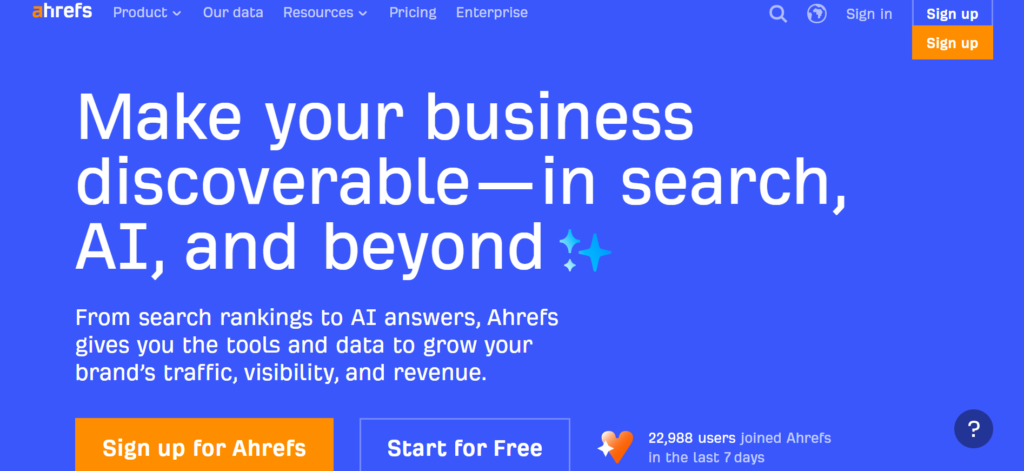
What it does: Crawls the web to index billions of backlinks. Shows you competitor backlinks, your own backlinks, and opportunities.
Key features:
– Backlink analysis by domain or URL
– Competitor backlink comparison
– Keyword research integrated
Pros:
– Largest backlink database (15+ billion)
– Excellent UI
– Comprehensive feature set
– Strong customer support
Cons:
– Expensive ($99-999/month)
– Learning curve for beginners
– Requires significant investment
Best for: Serious SEO professionals, agencies, competitive niches
Use case: You want to see every backlink pointing to your top 3 competitors, find broken links, and identify link building opportunities.
Tool 2: SEMrush
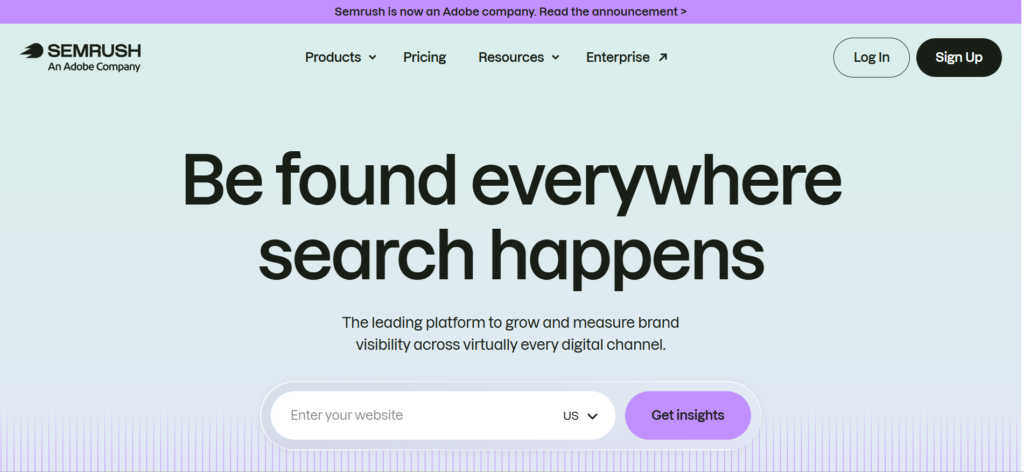
What it does: All-in-one SEO platform including backlink analysis, competitor research, keyword research, and rank tracking.
Key features:
– Backlink analytics
– Competitor research
– Keyword difficulty assessment
– Position tracking
– Content marketing suite
Pros:
– All-in-one platform (saves money on multiple tools)
– Good UI
– Strong keyword research
– Decent backlink database
Cons:
– Smaller backlink database than Ahrefs
– Can be expensive ($100-500/month)
– Less specialized than Ahrefs for links
Best for: Marketers needing a comprehensive SEO platform, not just link analysis
Use case: You need keyword research, rank tracking, AND backlink analysis in one platform.
Tool 3: Moz
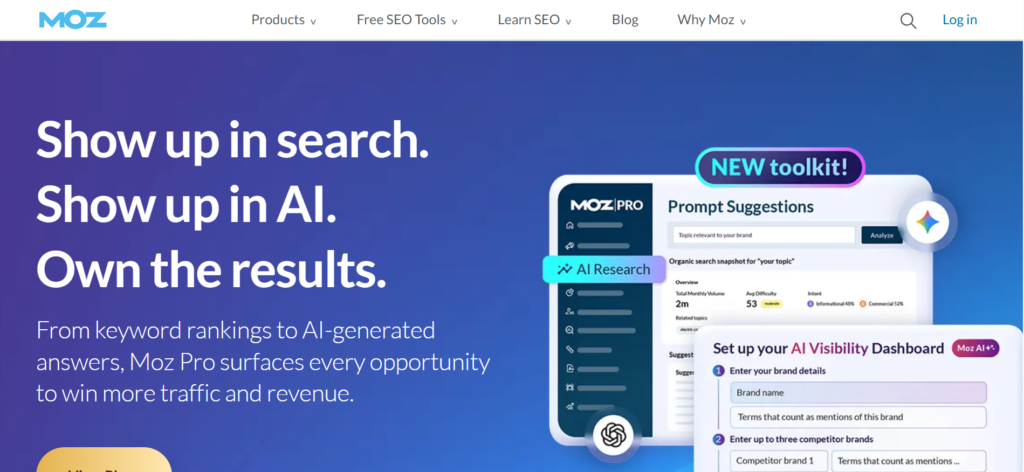
What it does: SEO platform with a focus on backlink analysis, keyword research, and site audits.
Key features:
– Link research
– Domain authority checking
– Keyword research
– Site audits
– Rank tracking
Pros:
– More affordable ($99+/month)
– Beginner-friendly
– Good educational resources
– Solid for small-to-medium businesses
Cons:
– Smaller backlink database
– Less powerful than Ahrefs
– Fewer advanced features
Best for: Beginners, small businesses, budget-conscious teams
Use case: You’re new to SEO and want a more affordable option for backlink research.
Category 2: Prospecting & Contact Finding Tools
These tools help you find relevant websites and get contact information for outreach.
Tool 1: Hunter.io
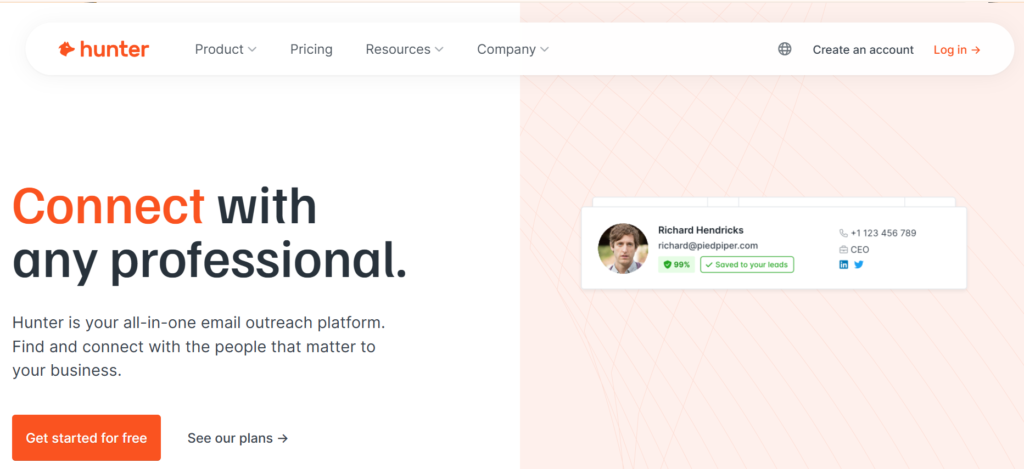
What it does: Finds email addresses associated with domains and specific names.
Key features:
– Email finding by name and domain
– Bulk email verification
– Email validation
– Integration with Gmail and Outlook
– API for developers
Pros:
– Very affordable ($49+/month)
– High accuracy (95%+)
– Easy to use
– Good API
Cons:
– Not specifically for link-building (general email finding)
– Accuracy is not 100%
– Requires verification for important emails
Best for: Finding contact emails for outreach
Use case: You found 50 relevant websites for guest posting. You need to find the editors’ email addresses quickly.
Tool 2: Snov.io
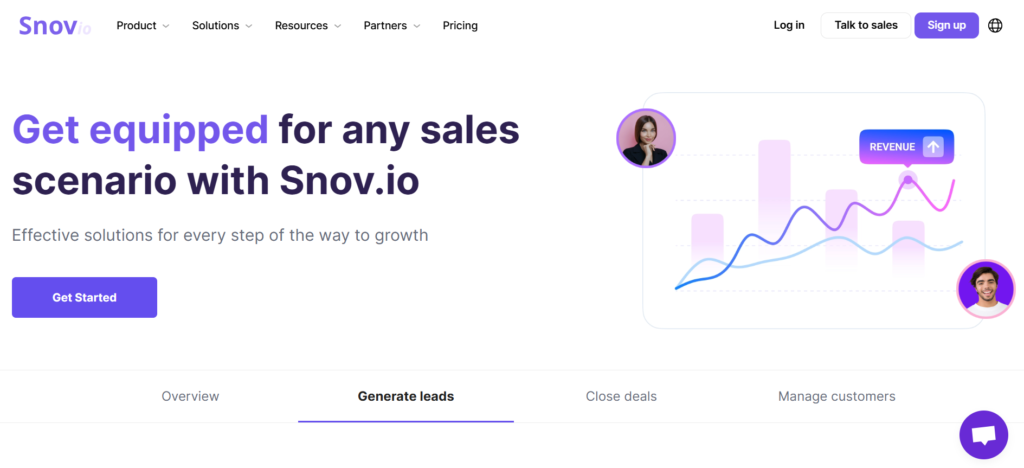
What it does: Finds emails, verifies them, and manages contact lists.
Key features:
– Email finding from websites
– Email verification
– LinkedIn extension
– Contact list management
– Bulk import/export
Pros:
– Very affordable ($39+/month)
– Good verification built-in
– LinkedIn integration
– Easy bulk operations
Cons:
– Slightly lower accuracy than Hunter
– The interface can be confusing
– Smaller team than competitors
Best for: Finding emails at scale, LinkedIn prospecting
Use case: You want to find emails from 200 websites and verify them all.
Tool 3: RocketReach
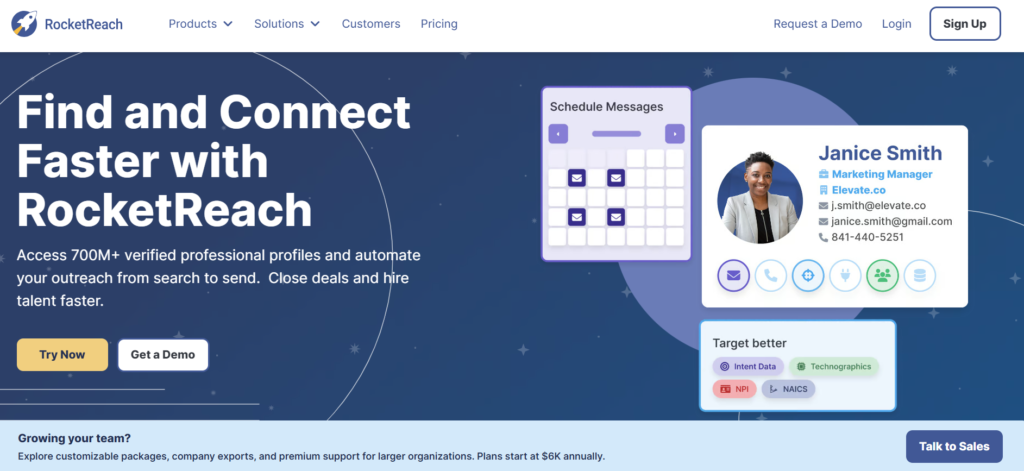
What it does: Finds professional contact information, including emails, phone numbers, and LinkedIn profiles.
Key features:
– Email finding
– Phone number finding
– LinkedIn profile URLs
– Company information
– Browser extension
Pros:
– Very comprehensive data
– Browser extension for quick lookup
– Good for larger organizations
– Phone numbers are helpful for cold calling
Cons:
– More expensive ($500+/month for quality data)
– Less focused on SEO
– Primarily B2B prospecting
Best for: Comprehensive prospect research beyond just email
Use case: You need email, phone, AND LinkedIn profile for decision-makers.
Category 3: Outreach Management Tools
These link building tools manage the outreach process: email sequences, tracking, and follow-ups.
Tool 1: BuzzStream
What it does: All-in-one outreach management platform for link-building campaigns.
Key features:
– Contact database management
– Email tracking and sequences
– Campaign organization
– Collaboration tools
– Influencer database
– CRM integration
Pros:
– Built specifically for link builders
– Excellent campaign management
– Great for team collaboration
– Influencer database helpful
Cons:
– Expensive ($250+/month)
– Learning curve
– Requires commitment to use well
Best for: Serious link builders, agencies, teams
Use case: You manage multiple link-building campaigns across 10 clients. You need organized tracking and automated follow-ups.
Tool 2: Pitchbox
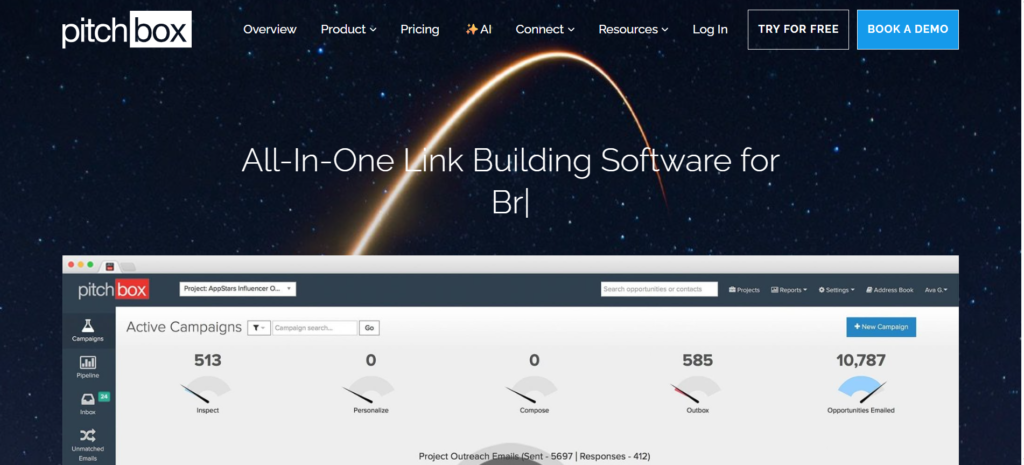
What it does: Outreach platform combining prospecting, email templates, and campaign tracking.
Key features:
– Website prospecting
– Email outreach automation
– Campaign tracking
– AI-powered personalization
– CRM integration
Pros:
– Integrated prospecting and outreach
– AI personalization is strong
– Good for scaling
– Reasonable pricing ($275+/month)
Cons:
– All-in-one means less specialized
– Can be complex
– Higher price point
Best for: Scaled outreach campaigns, automation-focused teams
Use case: You want to prospect, send personalized emails, and track all in one platform.
Tool 3: Outreach.io
What it does: Enterprise-level outreach and sales automation platform.
Key features:
– Advanced automation
– AI-powered sequencing
– Analytics and reporting
– Multi-channel outreach
– Large team collaboration
Pros:
– Most powerful automation
– Enterprise-grade features
– Excellent analytics
– Best for large teams
Cons:
– Very expensive ($500+/month)
– Overkill for small teams
– Long implementation
Best for: Enterprise SEO teams, large agencies
Use case: You manage link-building across 50+ campaigns and need enterprise-level tracking.
Category 4: Research & Trend Tools
These tools help you discover topics and content opportunities worth building links to.
Tool 1: Google Trends
What it does: Shows search volume trends for keywords over time.
Key features:
– Search volume trends
– Related searches
– Geographic data
– Free (no login required)
Pros:
– Completely free
– Official Google data
– Good for trend identification
Cons:
– Limited data (no exact numbers)
– Only shows relative trends
– Not detailed
Best for: Finding trending topics for content
Use case: You want to create content on trending topics that will naturally attract links.
Tool 2: AnswerThePublic
What it does: Shows questions people are asking about topics in search engines.
Key features:
– Question visualization
– Query suggestions
– Search volume estimates
– CSV export
Pros:
– Visual and easy to use
– Great for content ideas
– Shows real questions
– Affordable ($99+/month)
Cons:
– Data quality varies
– Not SEO-specific
– Limited without paid
Best for: Finding content ideas people are actually searching for
Use case: You want to know what questions people ask about “link-building” so you can create content answering them.
Tool 3: BuzzSumo
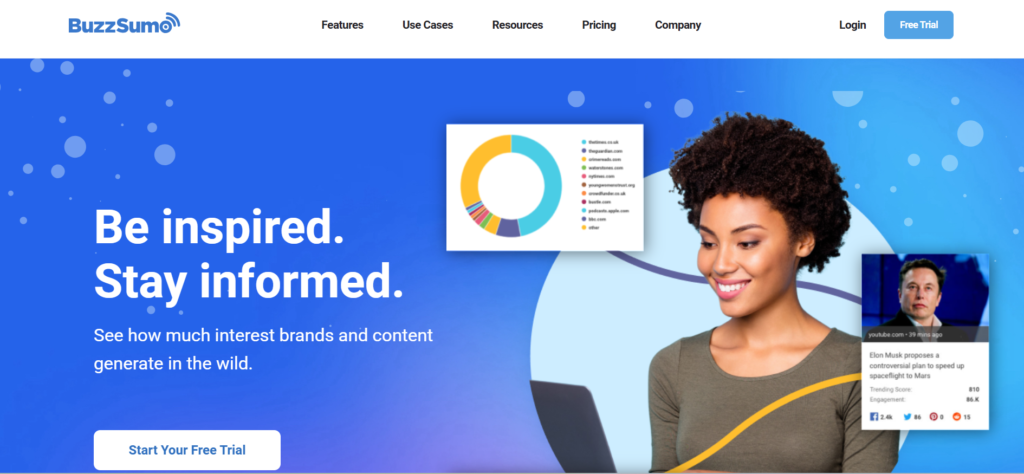
What it does: Analyzes content performance and finds trending topics.
Key features:
– Content performance analysis
– Topic trending
– Influencer identification
– Backlink analysis
– Social listening
Pros:
– Shows what content actually performs
– Influencer data helpful
– Good for content strategy
Cons:
– Expensive ($99-299/month)
– Data sometimes incomplete
– Not specifically for link-building
Best for: Content strategy and influencer outreach
Use case: You want to see which content topics get the most engagement and backlinks.
How to Choose the Right Link Building Tool
Not all tools are right for all situations.
Decision 1: Budget-Based
Under $100/month: Hunter.io (email finding), Snov.io (email + verification)
$100-300/month: Ahrefs, SEMrush, Moz, AnswerThePublic, BuzzStream
$300-500/month: Enterprise tools, multiple tool combinations
$500+/month: Pitchbox, Outreach.io, comprehensive suites
Decision 2: Goals-Based
If your goal is: Backlink analysis → Use Ahrefs or SEMrush
If your goal is: Finding emails → Use Hunter.io or Snov.io
If your goal is: Managing campaigns → Use BuzzStream or Pitchbox
If your goal is: All-in-one → Use SEMrush or Ahrefs
Decision 3: Experience-Based
Beginners: Start with Moz (easiest), Hunter.io (email), and free Google Trends
Intermediate: Add Ahrefs for backlink analysis, BuzzStream for campaign management
Advanced: Use Ahrefs + Pitchbox, or complete suite like SEMrush
Best Link-Building Workflow Using Tools
Here’s how professional link builders use these tools together.
Step 1: Opportunity Research (Ahrefs or SEMrush)
1. Identify your top 5 competitors
2. Use Ahrefs to analyze their backlink profiles
3. Find websites linking to competitors but not you
4. Export the list of high-authority opportunities
Tools used: Ahrefs or SEMrush ($99-300/month)
Time investment: 30 minutes
Result: 50-100 targeted opportunities
Step 2: Email Collection (Hunter.io or Snov.io)
1. Take your opportunity list
2. Use Hunter.io to find relevant contact emails
3. Verify emails with Snov.io
4. Clean the list (remove invalid emails)
Tools used: Hunter.io and/or Snov.io ($40-100/month)
Time investment: 15 minutes (automated)
Result: 40-80 verified email addresses
Step 3: Outreach Campaign (BuzzStream or Pitchbox)
1. Upload contact list into campaign tool
2. Create email templates
3. Personalize (use tool’s AI or manual)
4. Set up follow-up sequences
5. Track opens and clicks
Tools used: BuzzStream or Pitchbox ($250-300/month)
Time investment: 1-2 hours (templates ready, personalization semi-automated)
Result: Outreach to 40-80 contacts
Step 4: Results Tracking (Google Sheets + GSC)
1. Monitor which contacts respond
2. Check Google Search Console for new backlinks
3. Track ranking improvements
4. Document what worked
Tools used: Free (Google Search Console, Sheets)
Time investment: 15 minutes weekly
Result: Data on what’s working
Total Monthly Workflow
Tools needed: Ahrefs ($99+) + Hunter ($49+) + BuzzStream ($250+) = ~$400/month
Time investment: ~5-10 hours for 300-400 outreach contacts
Result: 30-50 quality backlinks per month
ROI: One backlink worth ~$200-1,000 in SEO value (depending on authority). 40 links = $8,000-40,000 value for $400 investment.
Free vs Paid Link Building Tools
Free Tools That Work
Google Search Console: Track your backlinks (limited data)
Google Trends: Identify trending topics
Ahrefs Free Backlink Checker: Basic backlink info for one URL
Moz Link Explorer Free: Limited backlink data
Hunter.io Free Tier: 50 searches/month
When Free Tools Are Enough
– Just starting out (proof of concept)
– Low budget, willing to work manually
– Part-time link-building
– Supplementing other SEO efforts
When You Need Paid Tools
– Building 20+ links per month
– Managing multiple campaigns
– Need comprehensive data
– Running a business (link-building pays for tools)
– Time is valuable (tools save 10+ hours/month)
The math: Free tools might cost you 50 hours/month in manual work. Paid tools cost $400/month but save 40 hours. At $25/hour, you save $1,000 in labor.
Common Mistakes to Avoid
Mistake 1: Using Tools Without Strategy
Tools amplify whatever you do—good or bad. Using tools to send spam emails faster is still spam.
Fix: Define your strategy first. Tools should implement the strategy, not replace it.
Mistake 2: Over-Relying on Automation
Tools can automate finding emails and tracking, but outreach should be personalized.
Fix: Use tools for the heavy lifting, but personalize the actual outreach.
Mistake 3: Ignoring Data Quality
Just because a tool finds an email doesn’t mean it’s correct. Just because a tool identifies an opportunity doesn’t mean it’s relevant.
Fix: Always verify critical data before investing time in outreach.
Mistake 4: Choosing Wrong Tool for Job
Using an expensive enterprise tool when a free tool works is waste. Using a free tool when you need enterprise features is inefficiency.
Fix: Match tool to actual needs, not budget, not prestige.
Mistake 5: Not Learning the Tool
People spend $300/month on BuzzStream but don’t use 50% of features.
Fix: Invest time learning tools. It pays back in efficiency.
Frequently Asked Questions
What are the best link building tools?
For analysis: Ahrefs (best overall) or SEMrush (all-in-one)
For email finding: Hunter.io (most reliable) or Snov.io (best value)
For outreach management: BuzzStream (most specialized) or Pitchbox (best automation)
For beginners: Start with Moz + Hunter.io + free tools
Are free tools effective for link-building?
Yes, for small-scale projects. Google Search Console, free Ahrefs tier, and free Hunter tier can work for 5-10 links/month. Beyond that, paid tools become necessary.
Which tool is best for beginners?
Best single tool: Moz ($99/month) – has everything beginner needs
Best combination: Hunter.io ($49) + free Ahrefs tier + Google Sheets
Best budget option: Snov.io ($39) for email finding
Should I use one comprehensive tool or multiple specialized tools?
Comprehensive (SEMrush, Ahrefs): Better for all-around SEO
Specialized (Ahrefs + BuzzStream + Hunter): Better for serious link-building
Most professionals use one comprehensive + one or two specialized.
How much should I spend on link building tools?
Minimum viable: $100-200/month (email finding + basic analysis)
Recommended: $300-500/month (good analysis + outreach management)
Professional: $500-1,000/month (multiple specialized tools)
Can I do link-building without link building tools?
Yes, you can do link building without link building tools but it’s slow (10-20 hours per month for 5-10 links). Tools save 80% of the time.
Conclusion
Link building tools are essential for scaling your SEO efforts. The right link building tools can turn link-building from a 50-hour/month manual job into a 10-hour/month systematic process.
The best approach: Start with one comprehensive tool (Ahrefs or SEMrush) and one email finding tool (Hunter or Snov.io). Learn them deeply. Add specialized tools (BuzzStream) as you scale.
Don’t buy tools hoping they’ll fix bad strategy. Buy tools to amplify good strategy.
The most successful link builders don’t have the most expensive tools. They have the right tools used strategically, consistently, and skillfully.
Choose tools based on your goals, budget, and experience level. Start small, learn deeply, scale gradually. That’s how you build a sustainable link-building operation.
