
Picking the best AI website builder used to mean choosing between three or four tools that all did roughly the same thing:
- A chat box
- A generated homepage
- A drag-and-drop editor to clean up whatever the AI got wrong
That’s changed a lot in the last year. The category has split into a handful of different jobs:
- Full-site generation — some tools now build entire sites from a single prompt and barely need editing
- Vibe coding — others have leaned into this approach, where you’re less designing a website and more directing an AI developer
- Ecommerce speed — a few have quietly become the fastest way to launch an online store
The “best” one really depends on which job you’re hiring it for.
Below is a breakdown of the AI website builders actually worth considering in 2026: who each one is built for, why it beats the alternatives at that specific job, and where it falls short.
If you just want the short version, start with the comparison table. If you want the reasoning behind it, keep scrolling.
What Is the Best AI Website Builder Right Now?
There’s no single best AI website builder — the top pick depends on the job. Wix offers the best balance of AI generation and manual control for most small businesses. Hostinger wins on price. Framer wins on design. v0 wins for developers who want real code. Match the tool to your use case, not a generic “best” ranking.
The Best AI Website Builder by Use Case
| Builder | Best For | Why It’s the Pick | Starting Price* |
|---|---|---|---|
| Wix | Most small businesses and startups | Best balance of AI generation and full manual editing control | $17/mo |
| Hostinger | Budget-conscious beginners | Lowest realistic price with hosting and SSL included | $2.69/mo |
| Squarespace | Design-forward brands and portfolios | Curated, guided AI keeps output from looking generic | $16/mo |
| Framer AI | Freelancers and agencies focused on visual polish | Real design controls most “prompt-only” tools skip | $10/mo |
| 10Web | Anyone who wants AI plus full WordPress control | AI head start without giving up WordPress’s plugin ecosystem | $10/mo |
| Lovable | Beginners who might outgrow a simple site | Generates real code, so you’re not boxed in later | Free, from $25/mo |
| Durable | Getting something live in minutes, not hours | Fastest realistic time from prompt to published site | Free to build, ~$22/mo to publish |
| GoDaddy Airo | Solo entrepreneurs who want a full business kit | Bundles branding and marketing tools with the site itself | Free to start, from $9.99/mo |
| v0 by Vercel | Developers building product sites or web apps | Outputs real, production-ready React and Next.js code | Free, from $20/mo |
| Shopify Magic | Ecommerce sellers of any size | Purpose-built commerce infrastructure, not a retrofitted site builder | $29/mo |
*Prices change often and most of these run cheaper intro rates that jump at renewal. Treat the numbers above as ballpark figures verified as of this writing, and confirm current pricing on each provider’s site before you buy or publish anything based on them.
How to Actually Judge an AI Website Builder
Every AI website builder claims to save you time. The real question is what happens after the AI does its first pass. Here’s what separates the tools worth using from the ones that just generate a decent-looking landing page and then get in your way:
What you get from a single prompt
A real site structure with multiple pages, or one homepage you have to rebuild from?
How editable the result actually is
Some AI-generated sites are a pain to adjust by hand; others hand you a clean, normal editor once the AI is done.
Real total cost
The advertised price rarely includes hosting, a custom domain, or the credits you’ll burn re-generating sections, and several of these tools raise the price sharply at renewal.
What happens to your SEO
A pretty site that Google can’t crawl properly isn’t worth much when it comes to on-page SEO.
How it looks on mobile
A good AI website builder should create mobile-responsive pages that look and work properly across phones, tablets, and desktop screens.
Who it’s actually built for
A tool built for developers prototyping web apps is a bad fit for a bakery that needs a menu page, even if it tops some “best AI website builder” list.
Accessibility
Check whether the builder creates accessible pages with readable text, clear navigation, useful image alt text, and a structure that works well for people using assistive technologies.
That’s the lens behind every recommendation below.
10 Best AI Website Builders in 2026
1. Wix — Best All-Around AI Website Builder
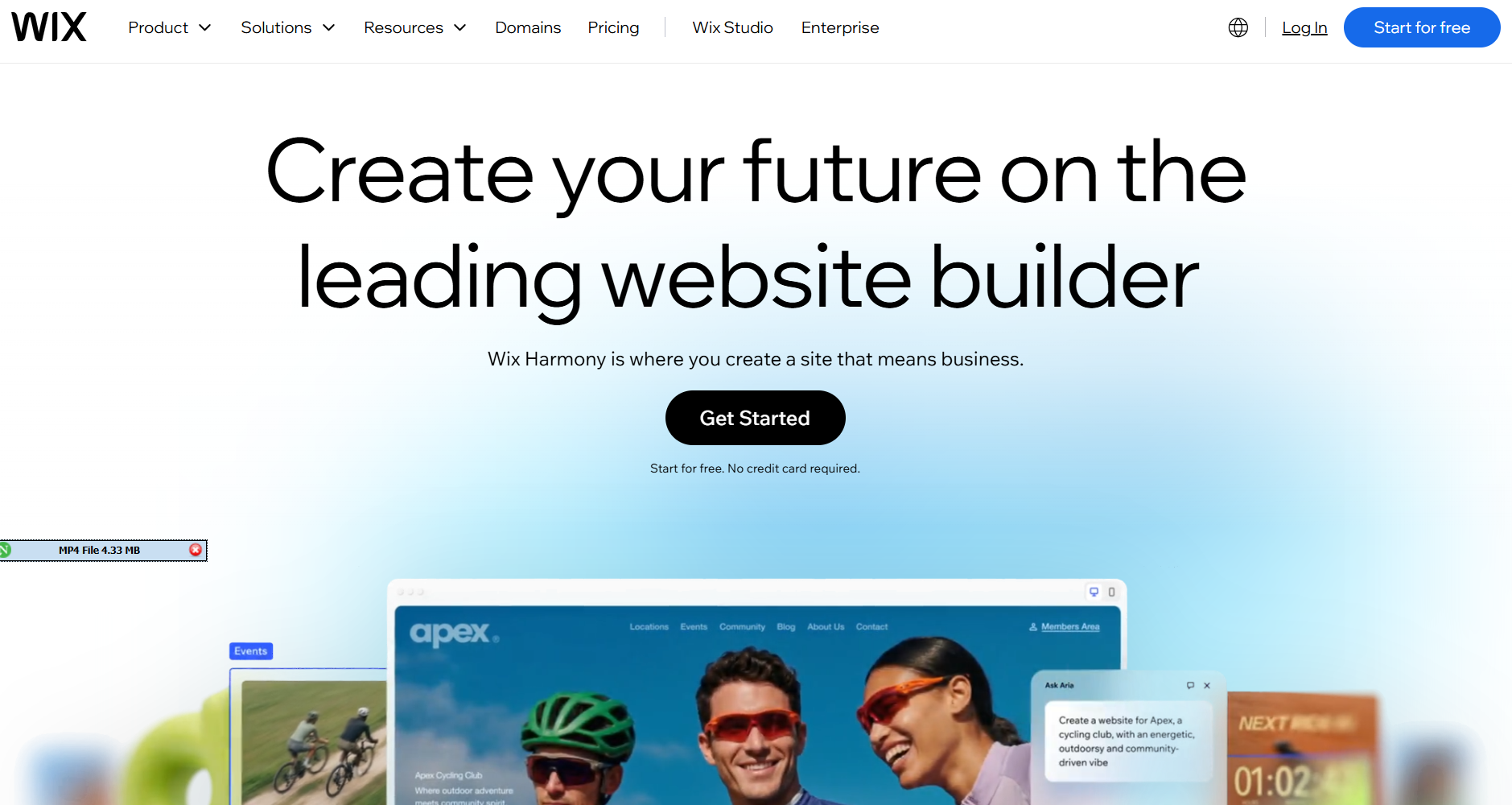
Why it’s the pick: Wix pairs strong AI generation (Harmony, via its Aria assistant) with the most mature manual editor in the category — fixing AI mistakes never means fighting the tool.
- Generates a full site (pages, copy, layout) from a few questions, then hands you one of the market’s most flexible drag-and-drop editors to fix anything
- Bundles in solid SEO tools, booking systems, payment processing and an AI chatbot for customer support — beats Hostinger and Squarespace by pairing generous AI with genuine editing control, not just speed
Good for: small businesses, service providers, and simple online stores.
Skip it if: you need custom backend logic, a large marketplace, or anything beyond a standard website builder.
Starting price: around $17/month (Light plan, billed annually). Ecommerce plans start around $29/month.
2. Hostinger — Best AI Website Builder on a Budget
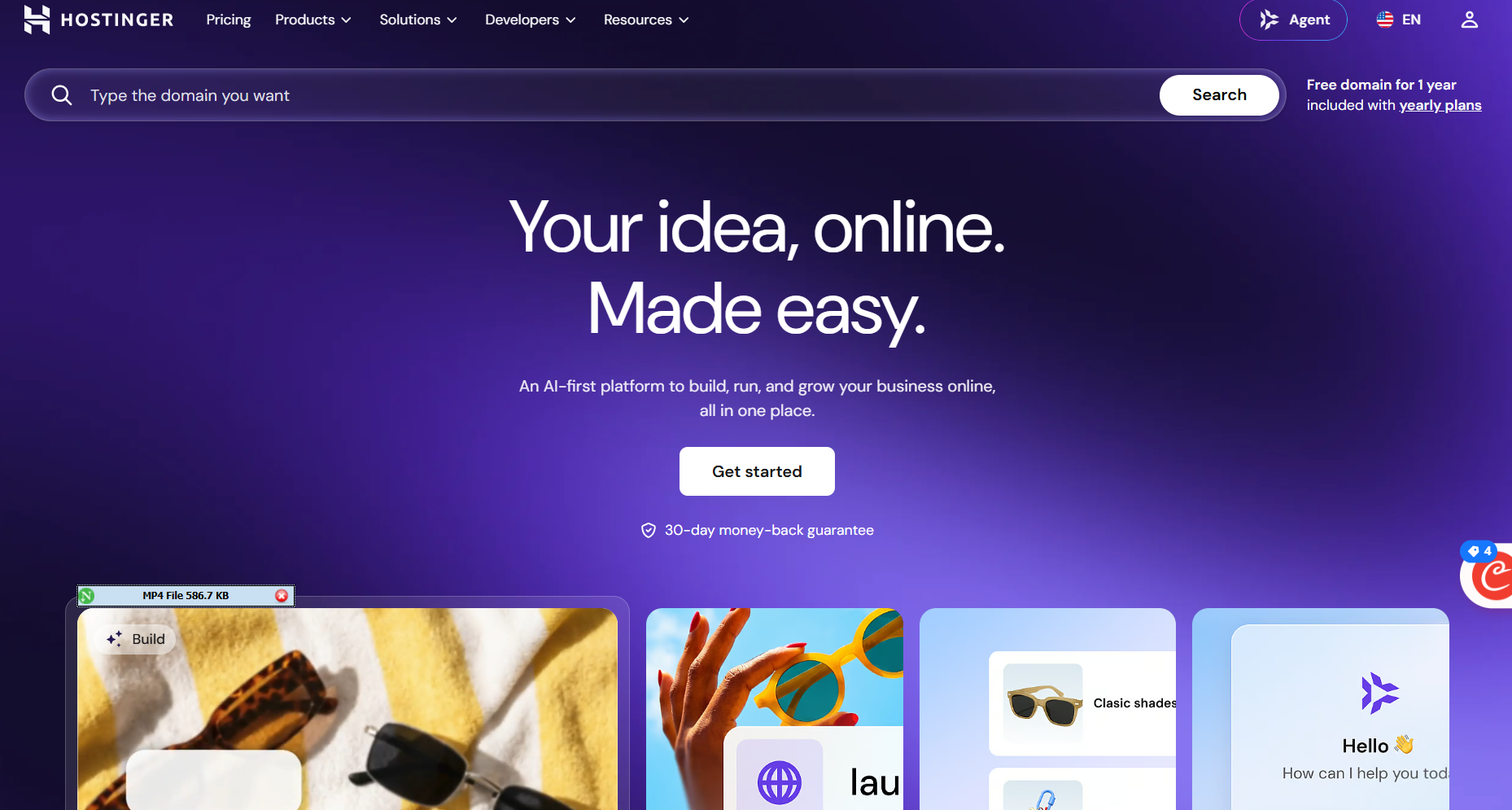
Why it’s the pick: Real AI generation and a real editor at a fraction of Wix’s price, without the stripped-down feel most budget tools have.
- Builder (Horizons) turns a prompt, or an upload like a business card, into a design; the agentic version can make broader decisions on its own
- Hosting, SSL, and 0% sales tax on ecommerce are included, so real cost beats the sticker price
Good for: freelancers and first-time site builders who want the lowest realistic price for a professional result.
Skip it if: you’re running a large operation, don’t want a multi-year contract, or plan on heavy AI editing (it’s credit-metered, and renewals run several times higher than the intro rate).
Starting price: from around $2.69/month on a long-term intro plan; renews closer to $10.99/month.
3. Squarespace — Best AI Website Builder for Design-Conscious Brands
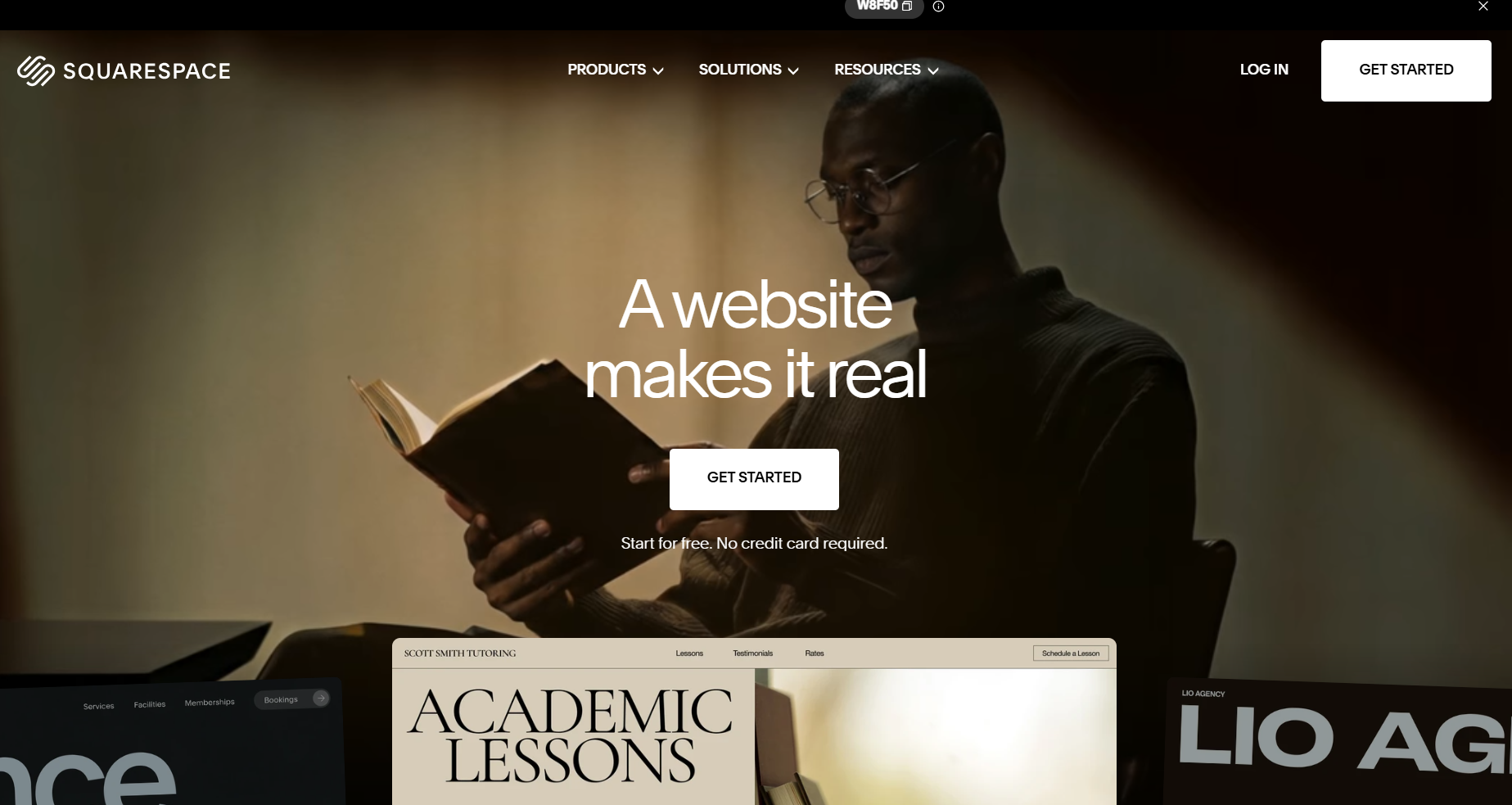
Why it’s the pick: You trade a little speed for output that looks genuinely designed, not just assembled — which matters when visual polish is the pitch.
- AI layer (Blueprint AI) asks about your industry, style, and goals, then narrows to curated professional layouts instead of something generic
- Strong photography and typography defaults mean even a fast setup looks considered, beating faster tools like Durable on the “looks like every AI site” problem
Good for: photographers, creatives, and small brands where visual polish matters.
Skip it if: you want maximum automation with minimal input or need deep app-level functionality (there’s no free plan, only a 14-day trial).
Starting price: around $16/month (Basic plan, billed annually).
4. Framer AI — Best AI Website Builder for Designers
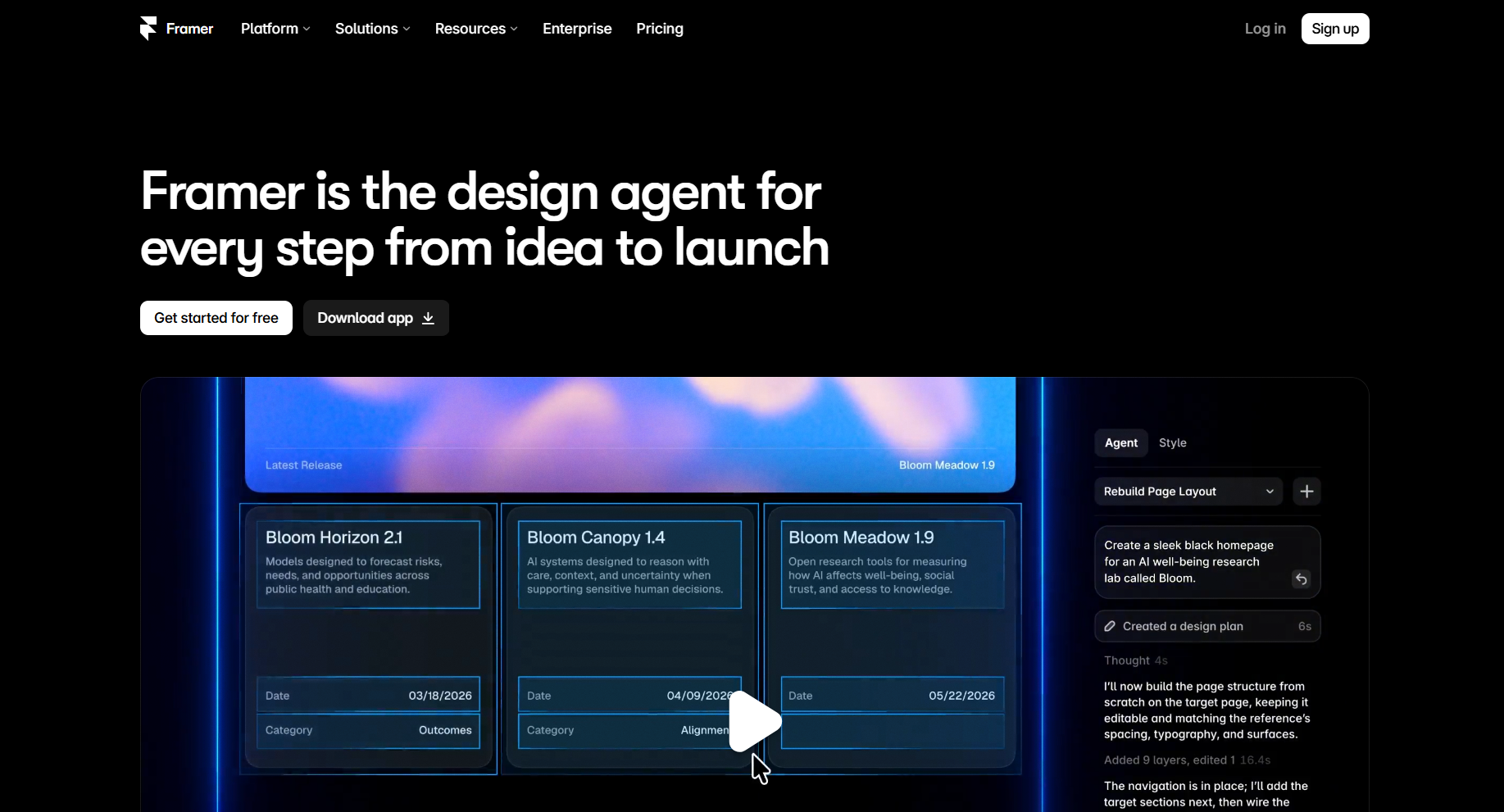
Why it’s the pick: Real, pixel-level design control that most “prompt-only” AI builders skip entirely.
- Generates layouts from real design principles (hierarchy, spacing, flow) into a structured layout you edit visually, pixel by pixel; includes a CMS for blogs and dynamic content
- Figma or Webflow users get AI generation without losing granular control — the tradeoff is a learning curve if you don’t
Good for: designers and freelancers who want AI to handle the grunt work while keeping creative control.
Skip it if: you’re not comfortable in a design-tool interface, or SEO is the priority — Framer sites haven’t historically ranked as well as sites on more SEO-focused platforms.
Starting price: around $10/month (Basic plan, billed annually). Editor seats for collaborators run separately, around $20/month each.
5. 10Web — Best AI Website Builder for WordPress Users
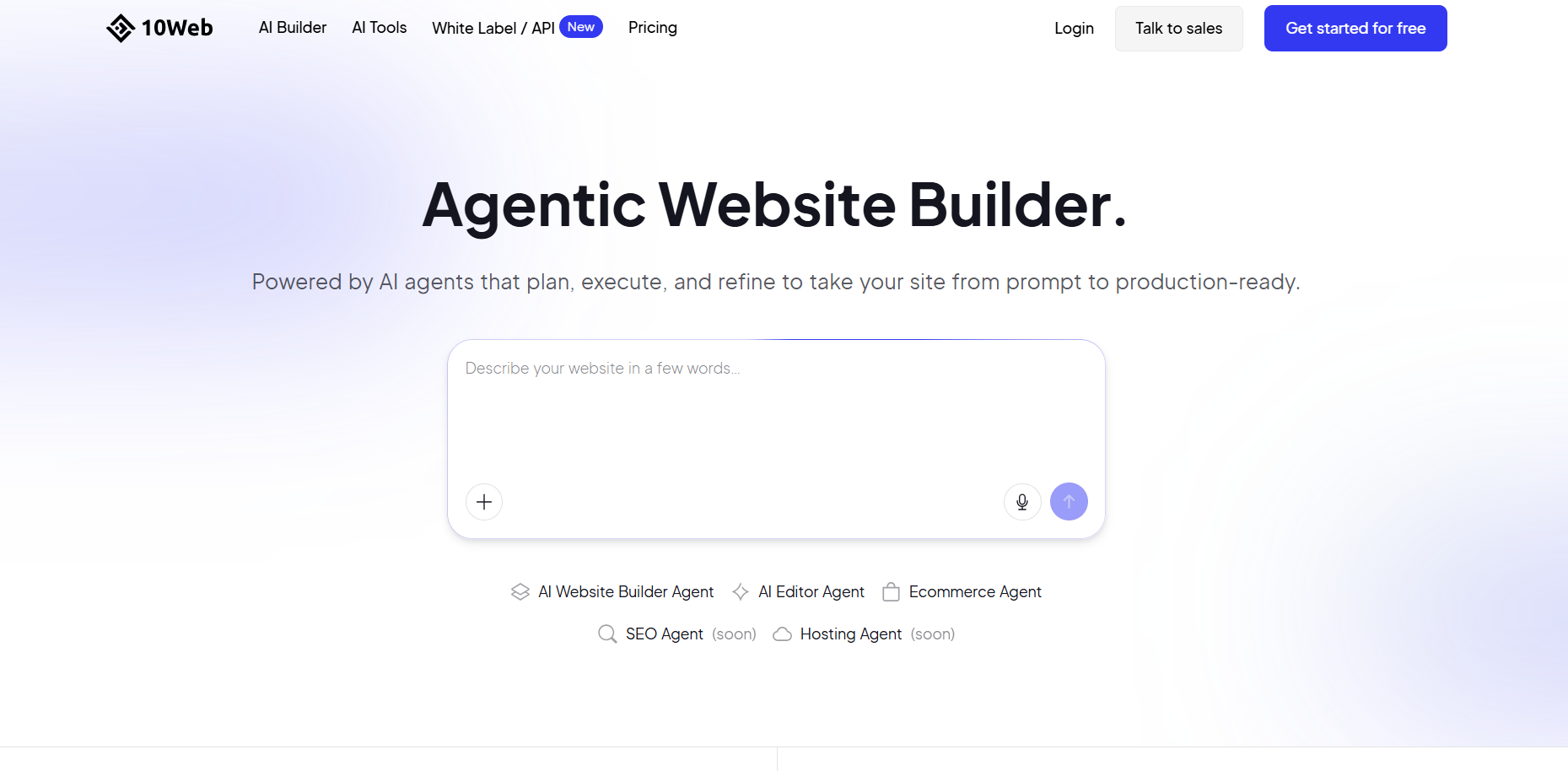
Why it’s the pick: An AI head start without giving up WordPress’s flexibility or a proprietary lock-in.
- Generates and manages a real WordPress site from a few questions, on managed hosting, with full access to the plugin ecosystem (WooCommerce, any SEO plugin you use)
- The tradeoff: you’re not escaping WordPress’s learning curve, and you’ll still clean up the AI’s draft in the Elementor editor
Good for: agencies and businesses that want WordPress’s long-term flexibility without building from scratch.
Skip it if: you want zero contact with plugins or themes.
Starting price: from around $10/month (AI Starter plan, billed annually), hosting included.
6. Lovable — Best AI Website Builder for Beginners Who Might Outgrow a Template
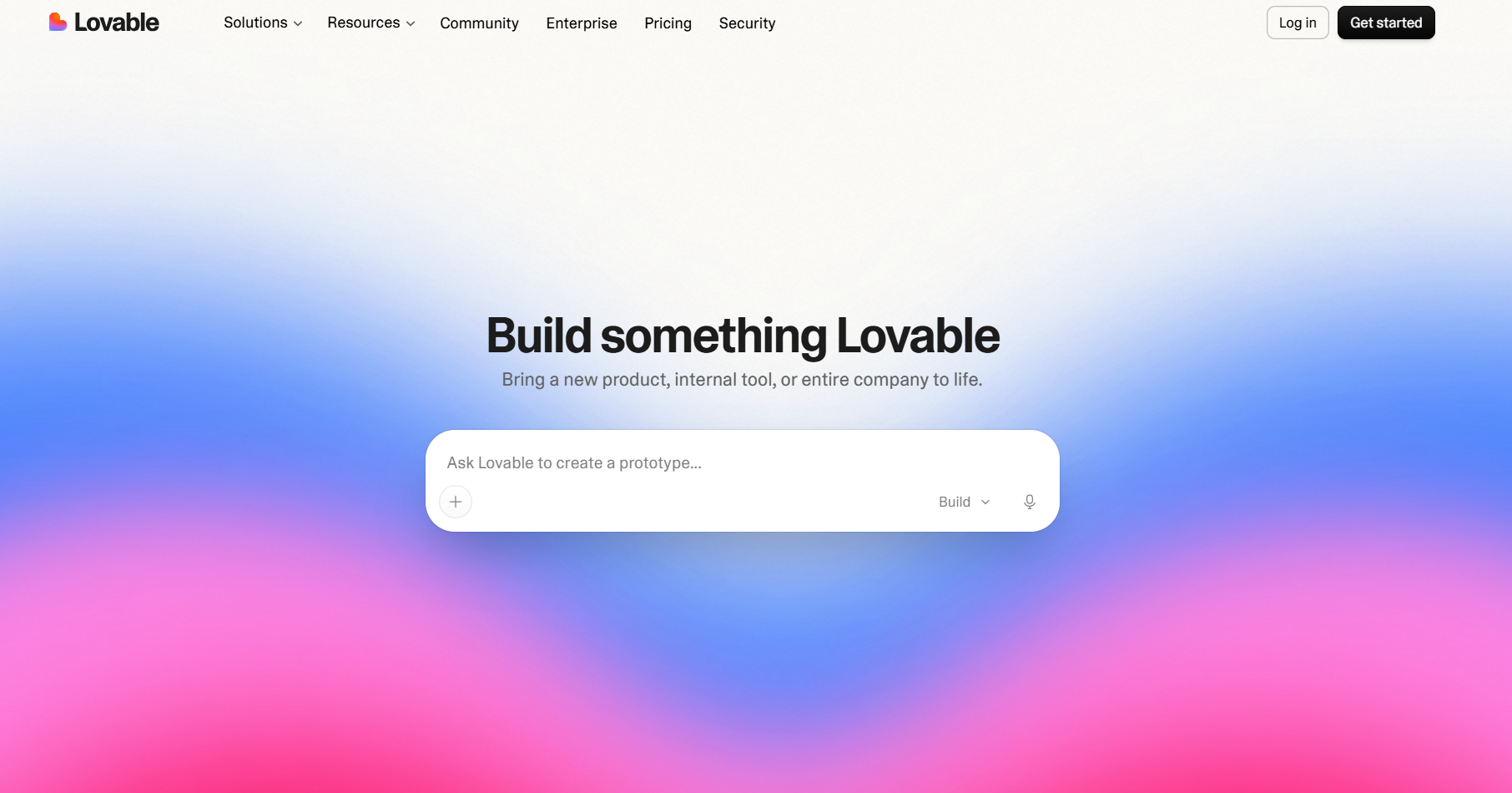
Why it’s the pick: The easiest entry point for beginners, without boxing you in if the project grows.
- A “vibe coding” tool: chat with it like ChatGPT and it writes real code behind the scenes, giving beginners a more accessible alternative to traditional no-code website builders
- Connects to a database (via Supabase), so a simple prompt can grow into a booking system later
- Versus Durable: Durable is faster for a permanent brochure site; Lovable wins if you might need more functionality down the road
Good for: beginners who want a simple site now without switching platforms later.
Skip it if: you want a polished design out of the box, or a flat monthly bill (it runs on credits, so heavy use costs more than the sticker price).
Starting price: free plan available (capped daily credits); paid plans start around $25/month.
7. Durable — Best AI Website Builder for Getting Something Live Fast
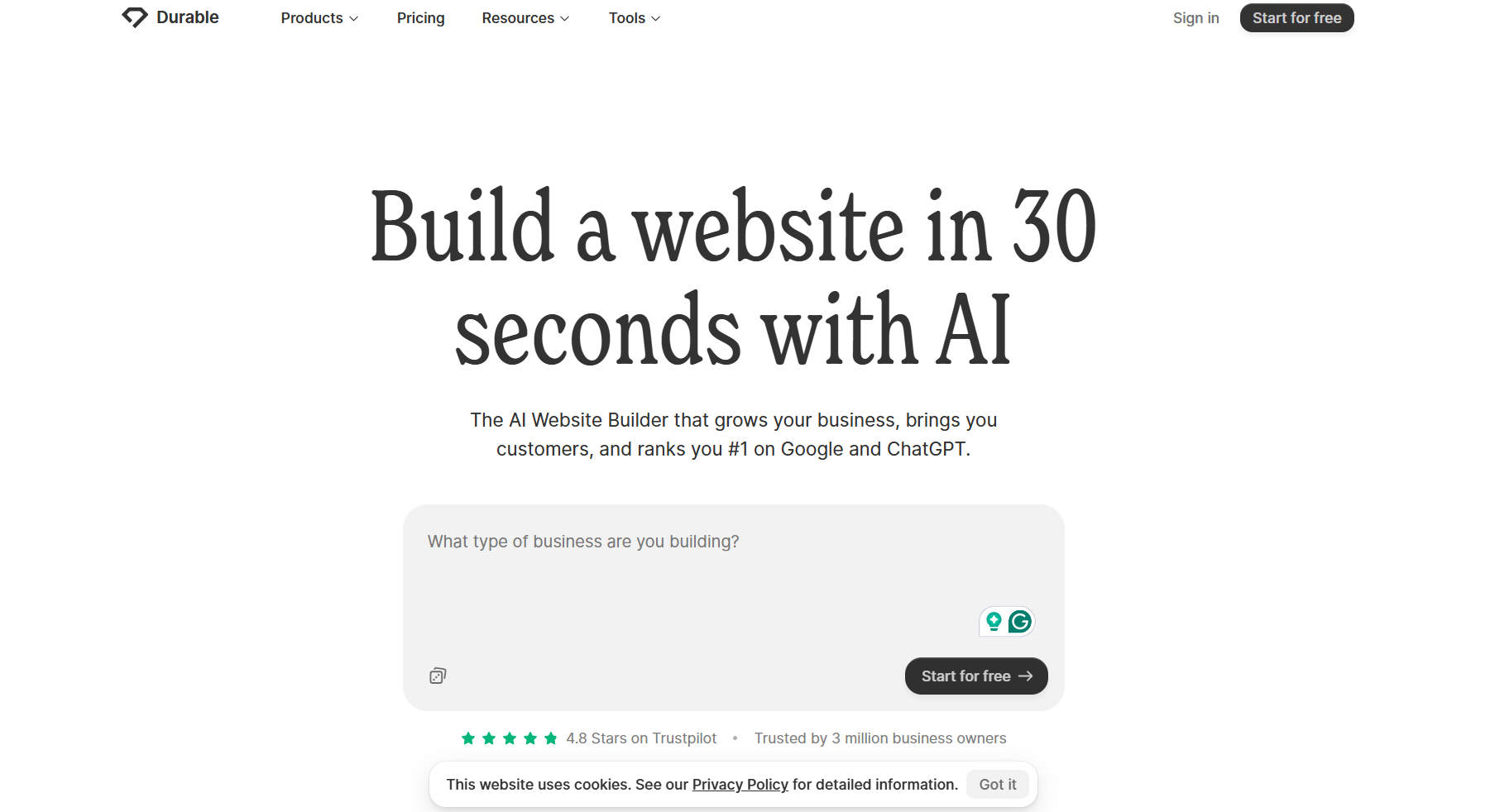
Why it’s the pick: Gets you from prompt to published site faster than anything else on this list.
- Generates a working site (copy, images, layout included) in under a minute from a business category and a few details
- The tradeoff is upfront: it’s a rough draft, and the AI’s assumptions often need correcting
- Also bundles basic CRM and invoicing tools that pure design-focused builders skip
Good for: anyone who needs a site live now and will refine it after launch.
Skip it if: you want a finished result without follow-up editing, or you’re comparing on price — with the business tools added, it lands around the same price as Wix or Squarespace, not below it.
Starting price: free to generate a draft; roughly $22/month to publish with a custom domain (Launch plan, billed annually).
8. GoDaddy Airo — Best AI Website Builder for Solo Entrepreneurs
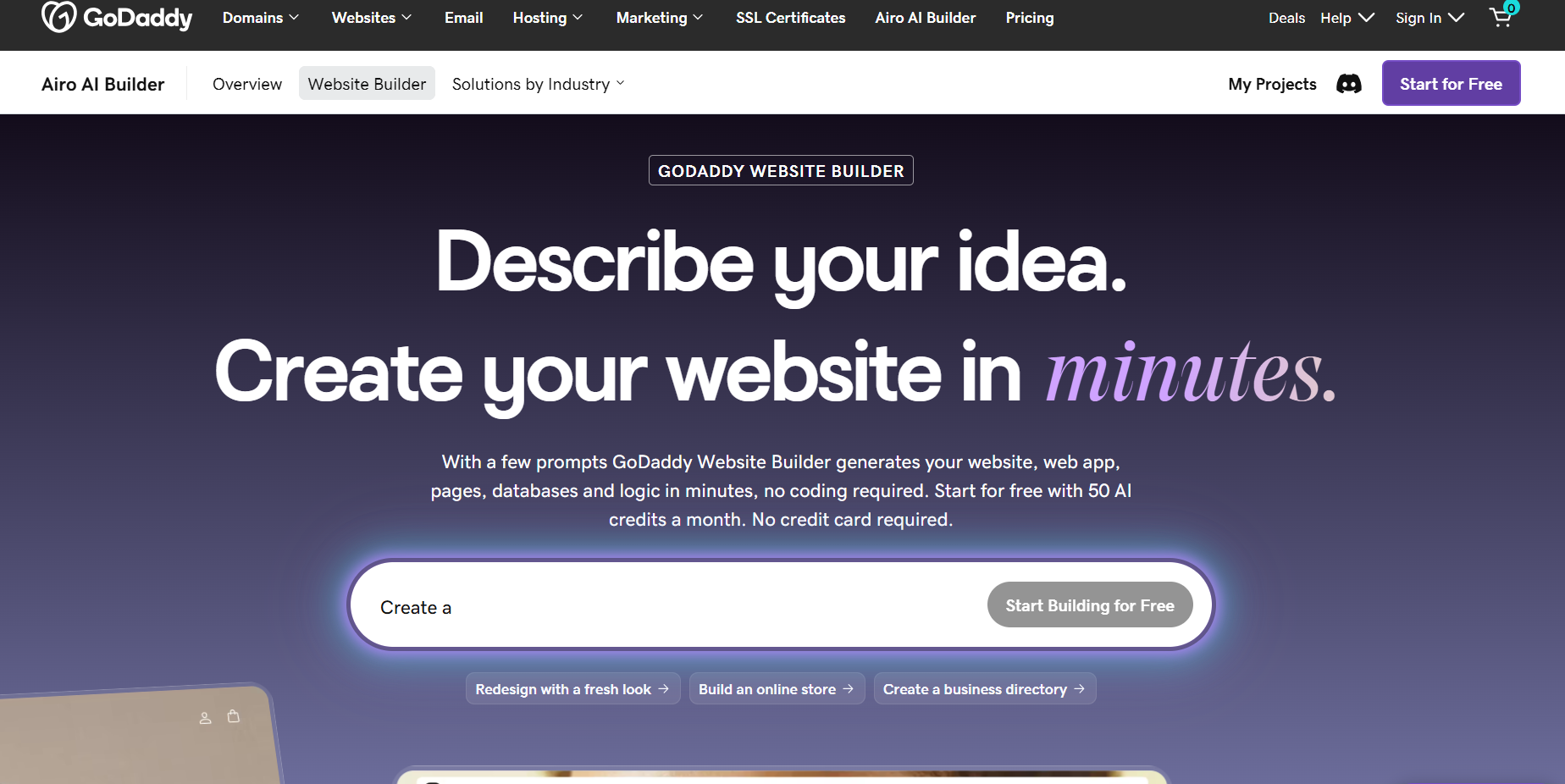
Why it’s the pick: Bundles branding and marketing tools with the site itself, so you’re not stitching three products together.
- Describe your business idea, and it generates a starter kit, including a brand kit, a logo direction, AI copywriting, marketing materials, and basic ecommerce setup
- All tied to one GoDaddy account with hosting and a domain included, which is what separates it from a pure builder like Wix or Hostinger
Good for: first-time entrepreneurs who want a website, branding, and marketing handled together.
Skip it if: you already have branding and just need a builder. It’s optimized for speed over polish, so expect to refine the output, and like Hostinger, the first-year price is promotional and renews noticeably higher.
Starting price: free to start; paid plans from around $9.99/month in year one, renewing higher (commonly $16–21/month).
9. v0 by Vercel — Best AI Website Builder for Developers
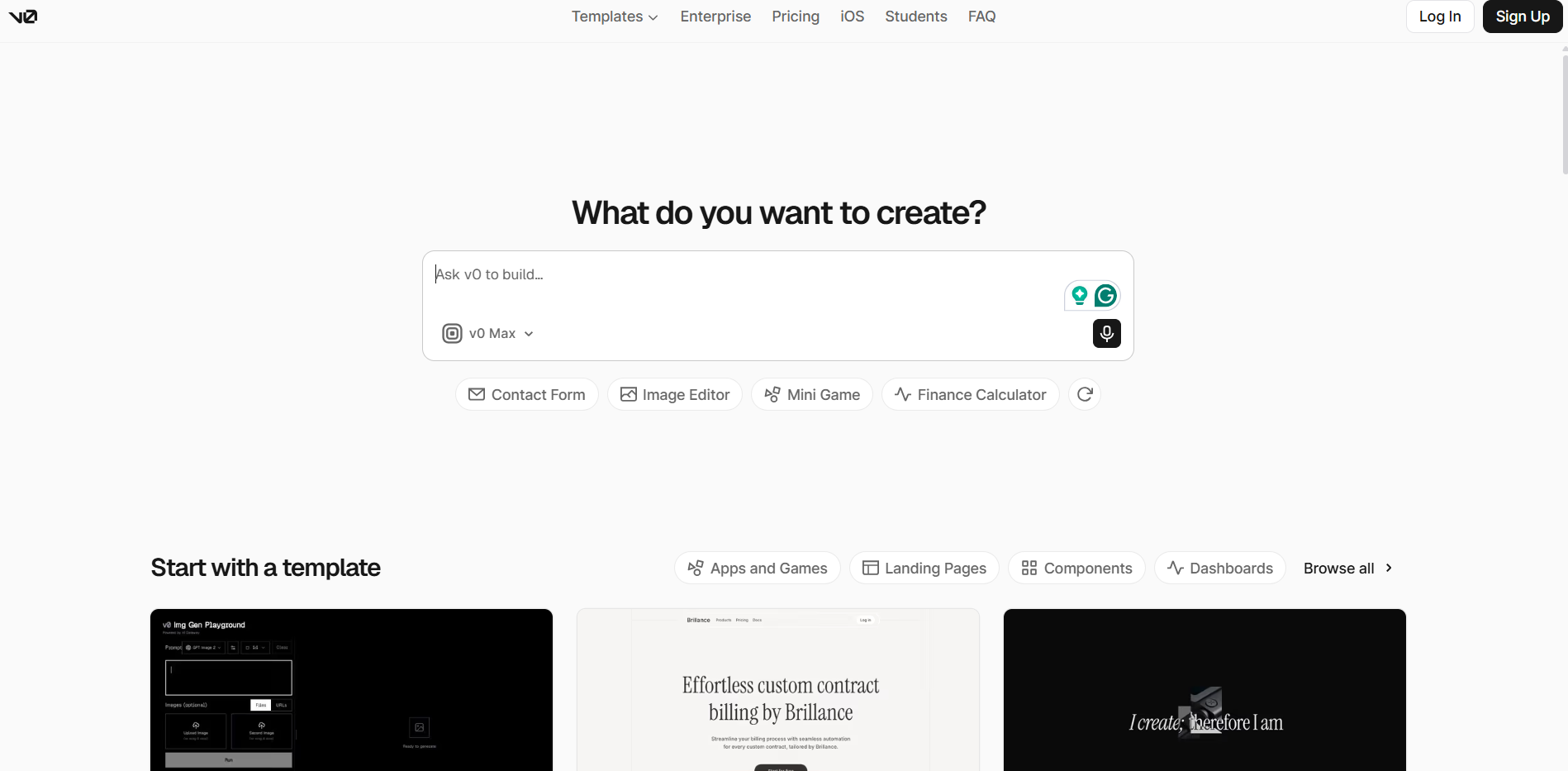
Why it’s the pick: Production-grade, framework-native code you own outright, not a hosted result inside someone else’s platform.
- Turns prompts into real React and Next.js code (components, styling, backend stubs) using Shadcn, letting you preview, edit, ship, and switch AI models
- Beats Lovable for a technical team specifically because you own the code outright; deployment runs through Vercel
Good for: developers, technical founders, and product teams building SaaS sites, dashboards, or web apps.
Skip it if: you want a no-code, drag-and-drop experience.
Starting price: free tier available; the Premium plan runs around $20/month, and pricing is credit-based on top of that.
10. Shopify Magic — Best AI Website Builder for Ecommerce
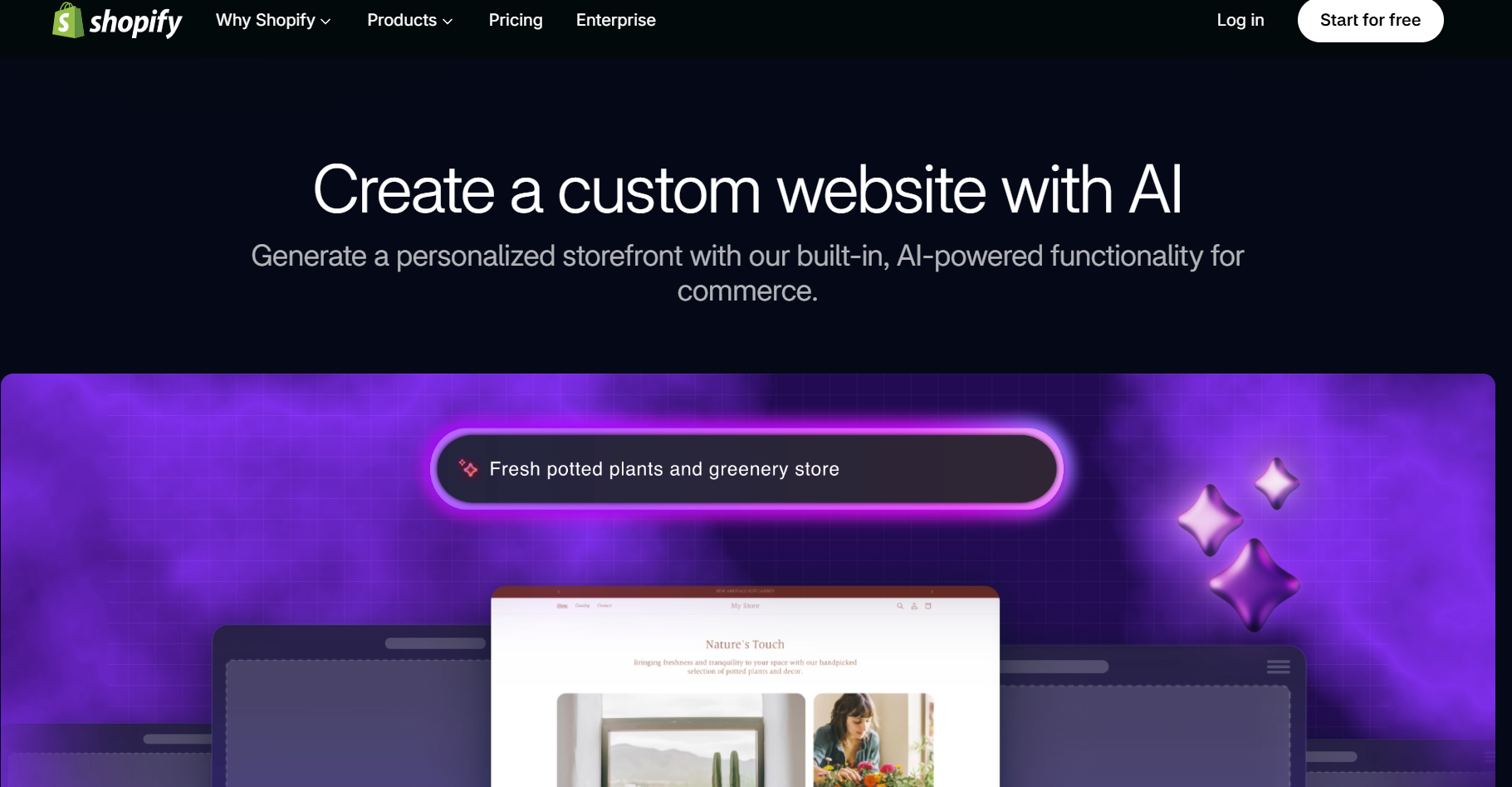
Why it’s the pick: Shopify’s AI layer is built specifically around selling, not general-purpose site generation — product descriptions, inventory logic, and checkout flow all come baked in.
- Generates product listings, image edits, and email/marketing copy through Magic’s AI tools, layered onto Shopify’s dedicated ecommerce infrastructure (checkout, payments, inventory, shipping) rather than a general website builder retrofitted for stores
- Beats Wix and Hostinger for stores with more than a handful of products — Shopify’s backend is purpose-built for catalog management and scales further without hitting the walls a general AI builder eventually does
Good for: anyone whose primary goal is selling products online, from a handful of SKUs to a large catalog.
Skip it if: you’re building a brochure site or portfolio with no commerce component — Shopify’s tools and pricing are wasted on a non-store site.
Starting price: from around $29/month (Basic plan); AI features included across paid tiers.
“What Makes an AI Website Builder Different from a Regular One?”
An AI website builder uses a language model to generate a site’s design, layout, and copy from a prompt, instead of starting you on a blank template. You describe your business, and it produces a working first draft you adjust rather than build from zero.
Wix, Hostinger, and Squarespace layer AI on top of an established drag-and-drop editor; Lovable, v0, and Durable generate the site more directly through chat. Neither approach is objectively better — it’s guided versus conversational.
How to Pick the Right AI Website Builder for Your Project
Ignore the star ratings and ask three questions.
What’s the goal of the site?
A brochure site needs different tools than a store or SaaS page. Wix and Hostinger fit the first case; v0 or Lovable fit the second. For a marketing site, consider whether the builder gives you enough control over landing pages and conversion rate optimization.
How much editing will you do?
For one-prompt-and-done, try Durable or GoDaddy Airo. For an hour of refining, Wix, Squarespace, or Framer get you further.
Where does it need to live long-term?
For the flexibility to switch hosts or add plugins later, a WordPress option like 10Web keeps more doors open than a proprietary platform. If you’re targeting international visitors, also check whether the builder supports multilingual websites or built-in translation features.
Most tools have a free tier, so the fastest way to decide is prompting two or three with your actual business and seeing whose output you’d want to keep editing.
What an AI Website Builder Actually Costs
The advertised starting price is rarely the full picture. Here’s what typically gets added on:
| Add-On | What to Expect |
|---|---|
| A custom domain | Free plans stick you with a subdomain until you upgrade. |
| AI credits | Hostinger, Lovable, v0, and Durable cap AI generation before you wait for a refresh or pay more. |
| Renewal jumps | Budget prices on Hostinger and GoDaddy Airo are usually first-year rates; renewals run two to three times higher. |
| Ecommerce features | Payment processing and cart recovery are often locked behind a higher tier. |
| Removing branding | Free and entry plans usually show a badge until you upgrade. |
Budget $12–25/month for a small business site on a mainstream builder, more with ecommerce or extra AI credits.
AI Website Builder FAQs
There’s no single best AI website builder for everyone — only the best one for your project, budget, and how much editing you’re willing to do. Pick the tool that matches the job, not the flashiest demo video.
