
Blogger outreach is one of the most effective link-building strategies. A single feature in a popular blog can drive hundreds of qualified visitors and pass significant link authority to your website.
But here’s the challenge: Manual blogger outreach is incredibly time-consuming.
Finding relevant bloggers, checking their contact information, crafting personalized emails, tracking responses, and following up—all done manually—can take 30-50 hours per month to secure just 5-10 backlinks.
This is where blogger outreach tools come in.
The right blogger outreach tool can reduce your workload by 80%, automate repetitive tasks, scale your campaigns, and improve your success rate.
Instead of spending 50 hours to secure 10 links, you can secure 30-40 links in the same timeframe using an efficient outreach tool.
In this comprehensive guide, I’ll walk you through the best blogger outreach tools available in 2026, how they work, how to choose the right one for your needs, and how to implement an effective outreach workflow that actually drives results.
Table of Contents
What Is a Blogger Outreach Tool?
A blogger outreach tool is software designed to streamline the process of finding, contacting, and managing relationships with bloggers, influencers, and content creators.
How It Works
Basic workflow:
1. Prospecting: Find relevant bloggers in your niche
2. Data collection: Gather blogger contact information, metrics, and audience data
3. Organization: Organize prospects in a database or CRM
4. Outreach: Send templated or personalized email outreach
5. Tracking: Monitor email opens, clicks, and responses
6. Follow-up: Automate or manage follow-up sequences
7. Reporting: Track campaign metrics and results
Why Tools Are Essential
Manual outreach problems:
– Finding 100 relevant bloggers takes 10-15 hours
– Collecting email addresses manually takes 5-10 hours
– Sending personalized emails takes 5-10 hours
– Following up manually takes 5+ hours per campaign
– No automated tracking or reporting
With blogger outreach tools:
– Find 100+ bloggers in 1-2 hours (automated search)
– Collect emails automatically (database integration)
– Send bulk personalized emails in 30 minutes
– Automate follow-ups
– Track everything automatically
– Generate reports automatically
Result: 80% time savings, 3-5x more outreach, 2-3x better results
Who Should Use Blogger Outreach Tools
– SEO professionals building links for clients
– Digital marketing agencies managing multiple campaigns
– In-house SEO teams scaling outreach
– Content marketers seeking coverage and backlinks
– Affiliate marketers promoting products through blogs
– SaaS companies looking for industry coverage
– Brands seeking influencer partnerships and brand mentions
Even solo entrepreneurs benefit from these tools. The ROI (time saved + links gained) typically pays back the software cost within 1-2 months.
Best Blogger Outreach Tools for 2026
Here are the most effective tools for blogger and influencer outreach, with detailed analysis.
Tool 1: BuzzStream
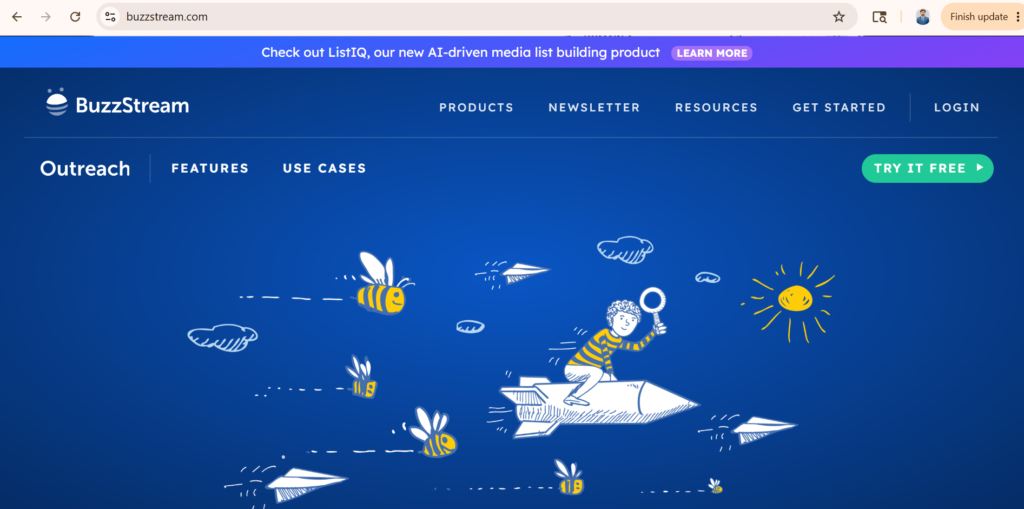
What it does: All-in-one outreach management platform specifically designed for link building and influencer outreach.
How it works:
1. Search their built-in database for relevant bloggers
2. Import prospects from your own research
3. Organize in CRM workspace
4. Create email campaigns and templates
5. Send outreach (manual or semi-automated)
6. Track opens, clicks, responses
7. Manage follow-ups and relationships
Key features:
– Blogger/influencer database (millions of contacts)
– Email template library
– Campaign management
– Email tracking
– CRM workspace
– Relationship tracking
– Team collaboration
– Email integration
Pros:
– Most comprehensive feature set
– Best for teams/agencies
– Excellent for managing complex campaigns
– Strong relationship management
– Good customer support
– Proven track record
Cons:
– Most expensive ($250-500+/month)
– Learning curve for new users
– Can feel overwhelming for solo operators
– Requires email integration setup
Best for: Agencies, SEO teams, companies managing 100+ outreach campaigns per month, relationship-focused outreach
Pricing: $250-500+/month depending on team size
Outreach capability: 500+ contacts per campaign
Tool 2: Pitchbox
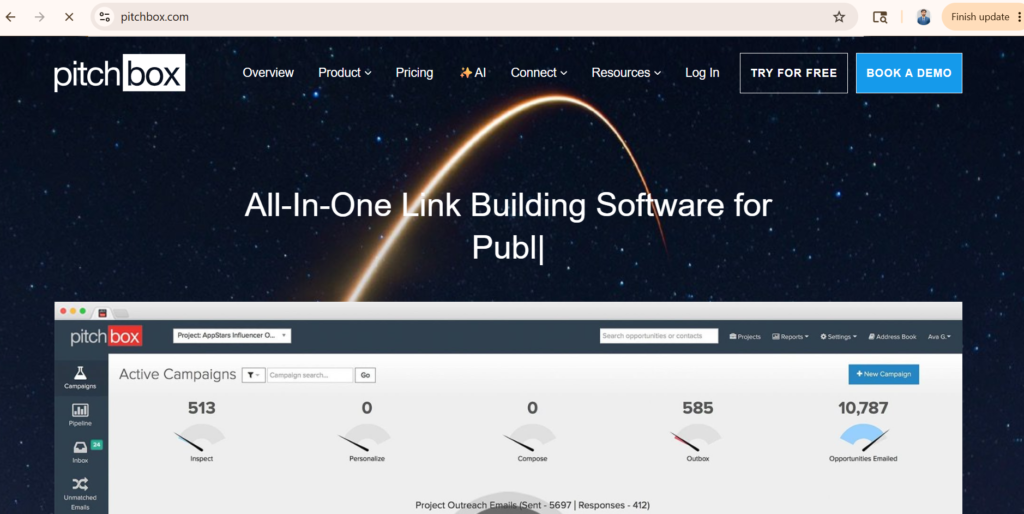
What it does: Outreach and influencer discovery platform combining prospecting, email, and campaign management.
How it works:
1. Search for relevant influencers/bloggers
2. Analyze their content and audience
3. Create targeted campaigns
4. Use AI-powered email personalization
5. Send campaigns
6. Automatic follow-up sequences
7. Track performance
Key features:
– AI influencer discovery
– Content analysis
– Audience quality metrics
– Email personalization (AI)
– Automated follow-ups
– Campaign analytics
– Competitive analysis
– Multi-channel outreach (email, social)
Pros:
– AI personalization is excellent
– Good influencer discovery
– Reasonable pricing
– Good for scaling
– Strong automation
– Detailed analytics
Cons:
– Less focus on relationship management than BuzzStream
– Smaller database than BuzzStream
– Interface can be complex
– Requires email account integration
Best for: Marketers seeking AI-powered personalization, companies scaling outreach, and those wanting automation
Pricing: $275-500+/month
Outreach capability: 500-1000+ contacts depending on plan
Tool 3: NinjaOutreach
What it does: Influencer and blogger discovery platform with email outreach capabilities.
How it works:
1. Search for influencers in any niche
2. Filter by audience size, engagement, and location
3. View influencer profiles and analytics
4. Export contact information
5. Send outreach emails (integrated)
6. Track opens and responses
7. Manage relationships
Key features:
– Large influencer database (50M+ profiles)
– Advanced filtering options
– Influencer metrics and audience analysis
– Email outreach integration
– Response tracking
– Campaign management
– Social media profile integration
Pros:
– Largest influencer database
– Good filtering options
– Reasonable pricing
– Good for finding micro-influencers
– Easy interface
– Competitive pricing
Cons:
– Less focused on CRM/relationship management
– Automation is less advanced than Pitchbox
– Email features are basic
– Database quality varies
Best for: Influencer discovery, finding micro-influencers, and teams focused on discovery over management.
Pricing: $99-299/month, depending on features
Outreach capability: Varies (can export and manage elsewhere)
Tool 4: Respona
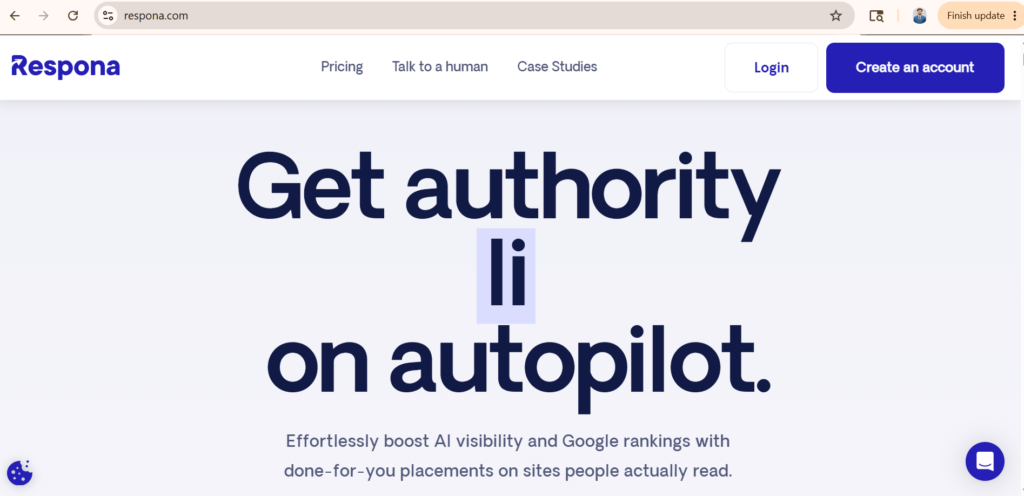
What it does: AI-powered link-building and outreach platform with blogger prospecting.
How it works:
1. Input your content/topic
2. AI finds relevant blogger/media opportunities
3. AI suggests personalized outreach angles
4. Send outreach emails
5. AI-powered follow-ups
6. Track results
Key features:
– AI opportunity discovery
– AI outreach suggestion
– Personalized angle generation
– Automated follow-ups
– Email tracking
– Campaign analytics
– Media database integration
– Quick campaign setup
Pros:
– AI-powered (minimal manual work)
– Fast campaign setup
– Good for busy teams
– Reasonable pricing
– Excellent for beginners
– Lower learning curve
Cons:
– Less customization than BuzzStream
– Smaller database than some competitors
– AI suggestions can miss nuance
– Less suitable for relationship-focused outreach
Best for: Busy teams, beginners, companies wanting AI automation, and quick campaign setup
Pricing: $99-199/month (most affordable option)
Outreach capability: 100-500+, depending on plan
Tool 5: Hunter.io
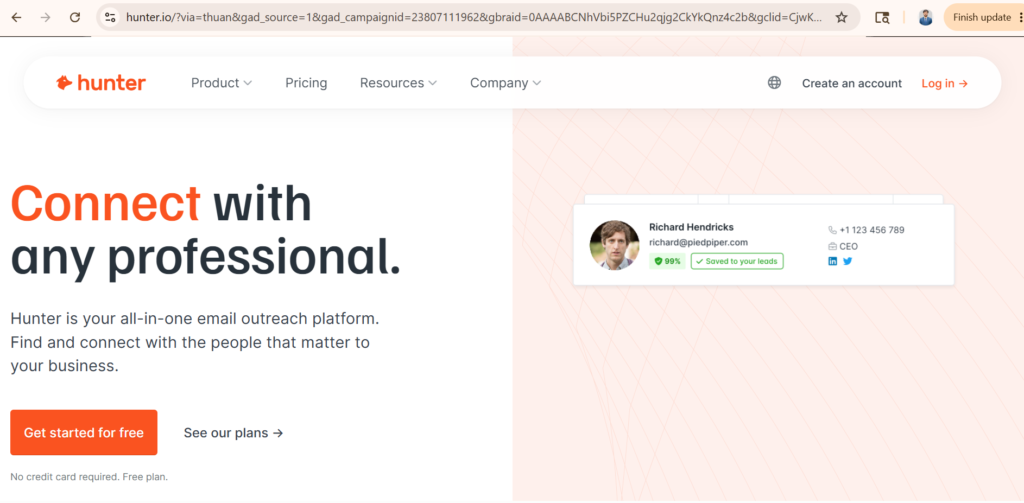
What it does: Email finding and verification tool (also has outreach features).
How it works:
1. Find the domain website
2. Hunter searches for all email addresses on that domain
3. Verify email accuracy
4. Use for outreach
5. Can integrate with other platforms
Key features:
– Email finding (95%+ accuracy)
– Email verification
– Domain search
– Bulk search
– API integration
– Chrome extension
– Integrations with other tools
Pros:
– Most accurate email finding
– Affordable
– Works with other platforms
– Free tier available
– Good for complementary use
Cons:
– Not a complete outreach solution
– Requires integration with email tools
– Doesn’t manage campaigns directly
– Less focused on blogger-specific data
Best for: Email verification/finding, complementary use with other tools, budget-conscious teams
Pricing: $49-499/month (tiered by volume)
Outreach capability: 100+ searches per month (free tier)
Tool 6: Linkee AI
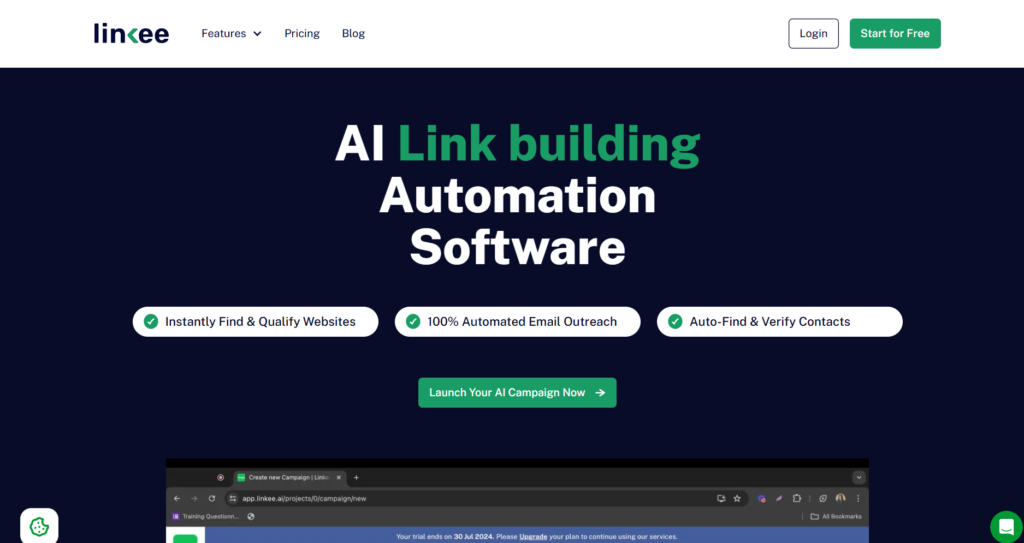
What it does: AI-powered link-building automation software that combines prospecting, vetting, contact discovery, and outreach into one platform, built around machine learning to cut down manual research time.
How it works:
- Choose your campaign type (guest posts or niche edits) and prospect source — import a raw list or pull from Linkee’s own database of 5M+ websites
- Let the algorithm vet sites for contextual relevance, filtering by DA, spam score, word count, and language
- AI categorization sorts prospects by industry and niche for targeted outreach
- Run a manual clean-up pass on the pre-filtered list before committing
- Use the built-in email finder and verifier to pull contact names, positions, and verified emails
- Launch personalized, automated outreach sequences from linked email accounts
- Manage campaigns, prospects, and partner lists from a centralized dashboard
Key features:
– Database of 5M+ websites for prospecting
– AI contextual relevance and website categorization
– Advanced prospect filters and deduplication
– AI email finder and verifier
– Automated outreach with advanced personalization
– Gmail/Outlook/SMTP integration
– Partner list search and management
– Role-based user access (Agency plan)
– Credit-based campaign system
Pros:
– Automates the full workflow, not just outreach
– Contextual relevance filtering cuts irrelevant prospects upfront
– Built-in email finding and verification skips a separate tool
– Transparent, tiered pricing well below BuzzStream’s range
– Free trial with no credit card required
– Scales cleanly from solo specialists to agencies
Cons:
– Credit-based system caps monthly volume, which can constrain heavy users
– Essential and Pro plans limit projects and seats, so agencies need the top tier
– Newer to market, so track record is less proven
– Feature set leans toward guest post/niche edit campaigns, less flexible for broader influencer outreach
Best for: SEO specialists, in-house teams, and agencies running guest post and niche edit campaigns who want prospecting, vetting, and outreach consolidated into one credit-based tool.
Pricing: $80.83–$298.33+/month depending on plan (billed yearly); free trial available
Outreach capability: 2–5+ linked email accounts (unlimited on Agency), with 10,000–60,000 credits/month governing prospecting and outreach volume
Tool 7: Ahrefs Outreach
What it does: Link building and outreach tool integrated with Ahrefs’ backlink database.
How it works:
1. Find competitor backlinks
2. Export to outreach list
3. Use built-in outreach features
4. Send emails and track
Key features:
– Competitor backlink analysis
– Pre-built prospect lists
– Email templates
– Email tracking
– Integration with Ahrefs data
– Backlink insights
Pros:
– Integrated with Ahrefs data
– Good for finding high-authority sites
– Less expensive than dedicated tools
– Good for backlink strategy
Cons:
– Less advanced outreach features
– Smaller feature set than BuzzStream
– Limited to the Ahrefs database
– Not as good for influencer discovery
Best for: Companies already using Ahrefs, backlink-focused outreach, and budget-conscious teams
Pricing: Included with Ahrefs ($99+/month for full Ahrefs)
Outreach capability: Varies (depends on Ahrefs tier)
How to Choose the Right Blogger Outreach Tool
Selecting the right tool depends on your specific situation, budget, and goals.
Decision 1: Based on the Budget
Under $100/month:
– Best: NinjaOutreach ($99), Respona ($99), Hunter.io ($49)
– Good: Respona offers AI automation at the lowest cost
$100-250/month:
– Best: NinjaOutreach ($200), Respona ($199)
– Good: Better features than free tier
$250-500+/month:
– Best: BuzzStream ($250-500), Pitchbox ($275+)
– Investment: Full-featured platforms for teams
Decision 2: Based on Team Size
Solo operator/freelancer:
– Best: Respona or NinjaOutreach
– Why: Simple interface, AI helps with workload, affordable
Small team (2-3 people):
– Best: Pitchbox or NinjaOutreach
– Why: Good balance of features, automation, pricing
Agency/large team:
– Best: BuzzStream
– Why: Complete feature set, team collaboration, relationship management
Decision 3: Based on Campaign Goals
For link building (SEO focus):
– Best: BuzzStream, Pitchbox, Respona
– Why: Designed for link acquisition
For influencer partnerships:
– Best: NinjaOutreach, Pitchbox
– Why: Better influencer discovery and filtering
For brand awareness/mentions:
– Best: NinjaOutreach, Pitchbox
– Why: Broader reach, influencer focus
For relationship building:
– Best: BuzzStream
– Why: Excellent CRM features
Blogger Outreach Workflow: Step-by-Step Process
Here’s the complete workflow professionals use to execute successful campaigns.
Step 1: Define Your Target (15 minutes)
What to decide:
1. What niche are you targeting? (e.g., “personal finance bloggers”)
2. What’s your minimum audience size? (e.g., “10,000+ monthly visitors”)
3. What’s your geographic focus? (e.g., “US-based”)
4. What type of content match do you need? (e.g., “must have written about [topic]”)
Why it matters: Clear targets ensure you’re reaching relevant bloggers and not wasting outreach.
Step 2: Search and Filter Prospects (1-2 hours for 100 prospects)
Using your tool:
1. Search for relevant bloggers
2. Filter by audience size
3. Filter by engagement rate
4. Filter by content relevance
5. Export list of 100-200 qualified prospects
Red flags to exclude:
– Blogs with no recent posts (abandoned)
– Audience too small or wrong fit
– Engagement suspicious (fake engagement)
– Site quality poor (spam indicators)
Expected result: 100-200 qualified prospects
Step 3: Collect Contact Information (30-60 minutes)
What to gather:
1. Blogger’s email address
2. Blogger’s name
3. Blog domain
4. Contact page URL (backup)
5. Social media profiles
6. Recent post title (for personalization)
How:
– Use the tool’s database (if available)
– Use Hunter.io for email verification
– Manual research for missing info
Expected result: Complete contact list with verified emails
Step 4: Organize and Segment (30 minutes)
Create segments based on:
1. Audience size (prioritize larger)
2. Content relevance (perfect fit vs. tangential)
3. Authority level (high authority vs. emerging)
4. Contact method (email, social, contact form)
Why it matters: Allows different messaging strategies for different segments.
Step 5: Craft Personalized Outreach Email (2-3 hours for campaign)
Email structure:
– Subject line: Reference their recent post or specific interest
– Opening: Personalized (mention their blog/post specifically)
– Value prop: What’s in it for them (not what’s in it for you)
– Ask: Clear, specific ask (guest post, link, mention)
– Call to action: Easy next step
– Signature: Professional, with social links
Example:
Subject: Your article on [specific post] + [your angle]
Hi [Name],
I just read your post on “[Post Title]” and loved your point about [specific insight]. That’s exactly what we found in our research with [X relevant data point].
We recently published a comprehensive guide on [topic] that complements what you wrote. It includes [a specific valuable addition] that would add to your existing article.
Would you be open to linking to our guide in a relevant section?
[Link to resource]
Thanks,
[Your name]
Step 6: Send Outreach Campaign (1-2 hours)
Best practices:
1. Send in batches (don’t send all 100+ at once)
2. Space emails 2-4 hours apart
3. Send during business hours in their timezone
4. Monitor opens and clicks
5. Adjust messaging if open rate is low
Expected response rates:
– First send: 5-15% response rate
– With follow-ups: 15-25% total response rate
– Positive responses: 20-40% of responses
Step 7: Follow-Up (1-2 weeks later)
Send one follow-up if:
– No response after 7 days
– Opened but didn’t respond
– Clicked but didn’t respond
Follow-up email:
Hi [Name],
I wanted to follow up on my previous email about [topic]. I know you’re busy, and emails can get lost.
I think the resource I mentioned would genuinely add value to your [specific post], and your audience would benefit from [specific value].
Would you be open to it?
[Link]
Thanks,
[Your name]
Step 8: Track and Optimize (Ongoing)
Track:
1. Open rate (should be 20-40%)
2. Click rate (should be 10-20% of opens)
3. Response rate (should be 15-25%)
4. Conversion rate (should be 20-40% of responses)
Optimize:
– If opens are low: Change subject lines
– If clicks are low: Improve email copy
– If responses are low: Increase personalization
Expected result: 20-40 links per 100 outreach campaigns over 2-4 weeks
Best Practices for Successful Blogger Outreach
Practice 1: Genuine Personalization
Generic outreach gets ignored. Specific outreach gets results.
Wrong approach: “Hi Blogger, I have a great resource for your site.”
Right approach: “Hi Sarah, I loved your recent post on ‘Email Marketing Automation.’ Your point about list segmentation is spot-on. We recently published an advanced segmentation guide that complements your article perfectly.”
Why it matters: Shows you’ve actually read their work. They’re more likely to respond.
Practice 2: Lead With Value
Never ask for something without offering value first.
Focus on: What’s in it for them, not what’s in it for you.
– “This resource would add value to your readers.”
– “This data supports the points you made.”
– “Your audience would benefit from this information.”
NOT: “Can you link to my site?” or “I’d like a backlink.”
Practice 3: Target High-Quality Sites
Outreach to 20 high-authority sites is more valuable than 200 low-authority sites.
Focus on:
– Domain Authority 30+
– Relevant to your niche
– Recent content updates
– Active engagement
Skip:
– Abandoned blogs
– Spam indicators
– Irrelevant topics
– Dead links
Practice 4: Relationship Building, Not Transactional
One-time outreach = low ROI.
Long-term relationships = multiple opportunities.
Best practices:
– Follow their social media
– Share their content
– Comment on their posts (thoughtfully)
– Build a relationship before asking
– Stay in touch after placement
Practice 5: Timing Matters
When you reach out affects response rates.
Best times:
– Tuesday-Thursday (best response rates)
– 9 am-12 pm (highest open rates)
– Avoid Monday (email overload)
– Avoid Friday (end-of-week chaos)
– Avoid weekends
Practice 6: A/B Test Your Approach
Different bloggers respond to different angles.
Test:
– Subject lines (curiosity vs. specific mention)
– Value props (link opportunity vs. resource quality)
– Personalization depth (brief vs. detailed)
– Call to action (direct vs. soft)
Track: Which approach gets the best response rate?
Common Mistakes to Avoid
Mistake 1: Mass Email Blasts
Sending the same generic email to 500 bloggers at once.
Why it fails: Obvious, low-personalization, spammy.
Fix: Send 20-50 personalized emails per campaign.
Mistake 2: Poor Targeting
Reaching out to completely irrelevant bloggers.
Why it fails: They have no reason to link to you.
Fix: Only target bloggers relevant to your industry/topic.
Mistake 3: Weak Value Proposition
Not explaining why they should care.
Why it fails: They ask “what’s in it for me?” and see nothing.
Fix: Lead with a specific value to their readers.
Mistake 4: Ignoring Follow-Ups
Sending one email and calling it done.
Why it fails: People miss emails. Follow-ups are essential.
Fix: Always send one follow-up 7-10 days later.
Mistake 5: Wrong Link Target
Linking to an irrelevant page on your site.
Why it fails: Doesn’t make sense in their content.
Fix: Always link to the most relevant page.
Mistake 6: Not Tracking Results
Sending hundreds of emails with no idea what works.
Why it fails: Can’t optimize or improve.
Fix: Track opens, clicks, responses, conversions.
Frequently Asked Questions
What is the best blogger outreach tool?
For agencies: BuzzStream. For beginners: Respona or NinjaOutreach. For specific needs: Compare based on your budget and goals.
Are free tools enough?
Free tools can work for very small campaigns (10-20 bloggers), but paid tools are worth it for scaling (50+ bloggers per campaign).
How do blogger outreach tools work?
They help find blogger contacts, organize prospects, send emails at scale, track responses, and manage relationships.
How long does blogger outreach take to get results?
First results typically appear 2-4 weeks after outreach. Full campaign results take 4-8 weeks.
Can I use a free email tool with a paid outreach platform?
Yes. Many professionals use specialized tools (BuzzStream for management, Hunter.io for email finding) together.
How many bloggers should I target?
Start with 50-100 per campaign. As you optimize, scale to 200-300+.
What’s a success rate?
20-40% of positive responses result in actual links. So targeting 100 bloggers with 20% positive response = 4-8 links.
Conclusion
Blogger outreach tools are essential for scaling link-building and brand awareness efforts.
The right tool—whether BuzzStream for complete management, Pitchbox for AI automation, NinjaOutreach for discovery, or Respona for beginners—can multiply your outreach effectiveness by 3-5x.
Combined with the structured workflow (target → find → personalize → send → follow-up → track), you can build sustainable, scalable outreach campaigns that generate consistent backlinks and brand mentions.
The most successful outreach professionals don’t rely on tools alone. They combine smart tool selection with authentic relationship building, personalized messaging, and consistent optimization.
Start with the tool that fits your budget and goals. Give it 30 days of committed effort. Track your results. Optimize based on data.
Do this consistently, and you’ll build a reliable channel for acquiring high-quality backlinks and expanding your brand reach.
