
If you’ve ever spent hours manually checking title tags, meta descriptions, headings, and image alt text across dozens of pages, you know how tedious on-page SEO audits can be. That’s exactly why SEO Meta in 1 Click exists. This free Chrome extension gives you an instant, one-click overview of all the critical metadata and SEO elements on any webpage — no logins, no complicated dashboards, just pure speed and clarity.
SEO professionals, content writers, developers, and even small business owners use it daily to spot optimization opportunities in seconds. Whether you’re auditing your own site, analyzing competitors, or optimizing a new landing page, this lightweight tool turns what used to take 10–15 minutes into a 10-second glance.
In this complete guide, I’ll walk you through everything the extension does, why each feature actually matters for real SEO results, how to use it effectively in your workflow, and how it stacks up against other popular Chrome SEO tools. You’ll also get practical tips, common mistakes to avoid, and a detailed FAQ section to answer every question you might have.
Table of Contents
What Is SEO Meta in 1 Click?
SEO Meta in 1 Click is a simple yet incredibly powerful Chrome extension that instantly displays all the essential on-page SEO information for the current webpage you’re viewing. Developed to make technical checks effortless, it pulls together meta tags, headings, links, images, and social metadata into one clean overlay panel.
You install it from the Chrome Web Store (it’s completely free with no premium upsells), click the small icon in your toolbar, and instantly see a structured report. No page reloads, no extra tabs — everything appears right there on the page you’re browsing.
It’s especially popular among SEO teams who need to review multiple pages quickly during audits or competitor research. The beauty lies in its simplicity: it doesn’t try to do everything like full SEO suites do. Instead, it focuses on the core on-page elements that matter most for ranking and user experience.
Key Features of the Extension
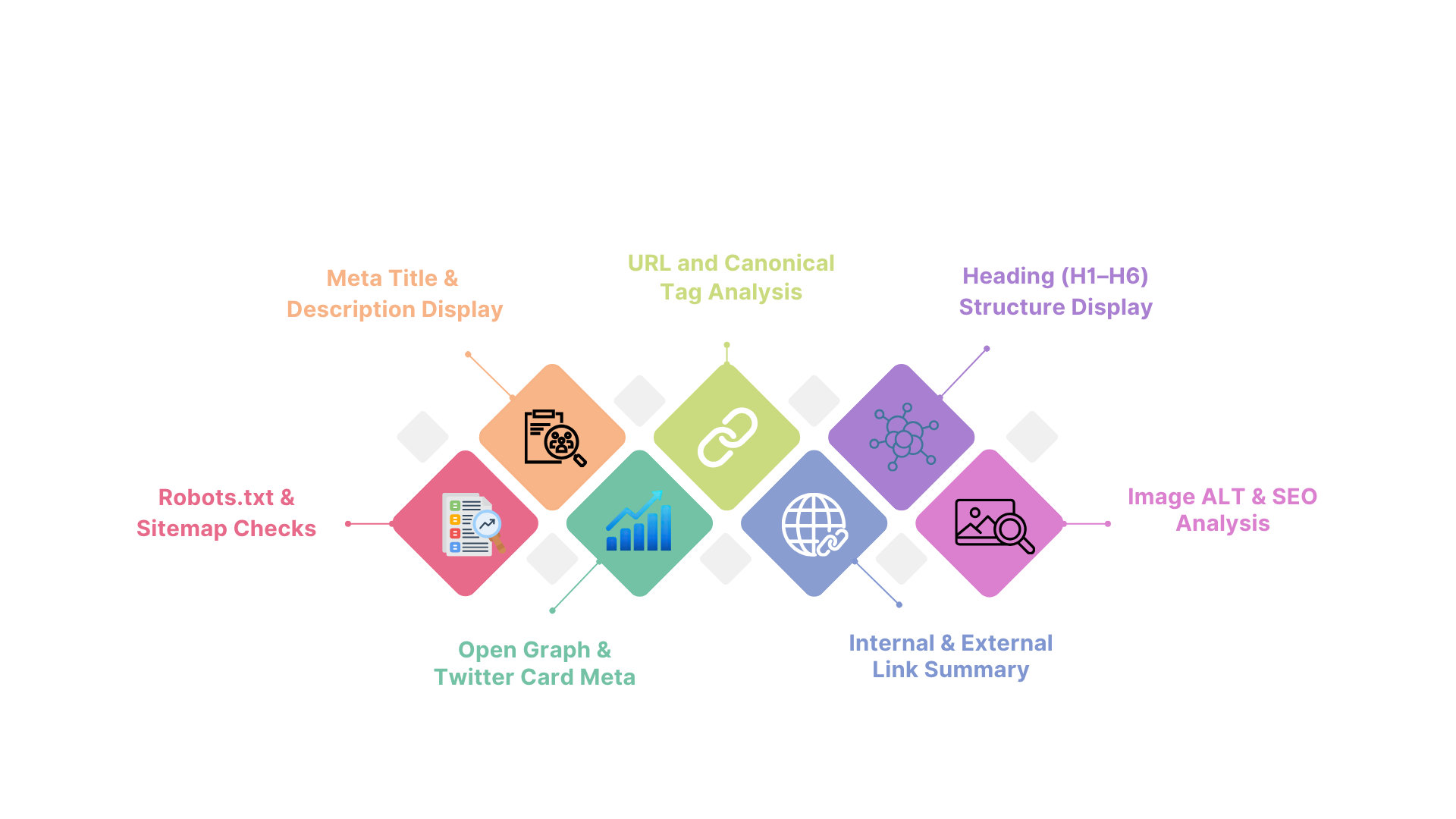
Here’s what makes this tool stand out and how each feature helps in real SEO work.
Meta Title & Description Display
The extension shows the exact page title and meta description with character counts and length indicators (green/yellow/red). This is gold for quick optimization. You immediately see if your title is too short (missing keywords) or too long (gets truncated in search results). Same for descriptions — you can spot missing calls-to-action or weak messaging right away.
URL and Canonical Tag Analysis
It displays the full URL, canonical tag (if present), and any hreflang information. This helps catch duplicate content issues or self-referencing canonical mistakes that can hurt rankings. I’ve caught several client sites pointing canonicals to the wrong version using just this one section.
Heading (H1–H6) Structure Display
You get a clean hierarchical outline of all headings on the page. This is perfect for checking logical structure and keyword placement. Missing H1s, duplicate H2s, or keyword-stuffed headings jump out instantly. Great for ensuring content follows proper outline best practices.
Image ALT & SEO Analysis
It lists every image on the page along with its alt text (or missing alt text highlighted in red). You also see file names and whether images are optimized. This feature alone saves hours when doing image SEO audits across large sites.
Internal & External Link Summary
A quick breakdown of total links, internal vs external, followed vs nofollow, and unique domains. This helps spot over-linking, missing internal links, or unnatural external link patterns that could raise flags.
Open Graph & Twitter Card Meta
Full display of social meta tags (og: title, og: description, og: image, Twitter Card equivalents). Essential for anyone running social campaigns or wanting consistent sharing previews across platforms.
Robots.txt & Sitemap Checks
One-click visibility into whether robots.txt blocks the page and the location of the sitemap. Useful for quick technical health checks during migrations or new site launches.
Each of these features is presented in a clean, color-coded panel that loads in under a second. The real power comes from how fast you can scan and act on the data.
Benefits of Using the Tool
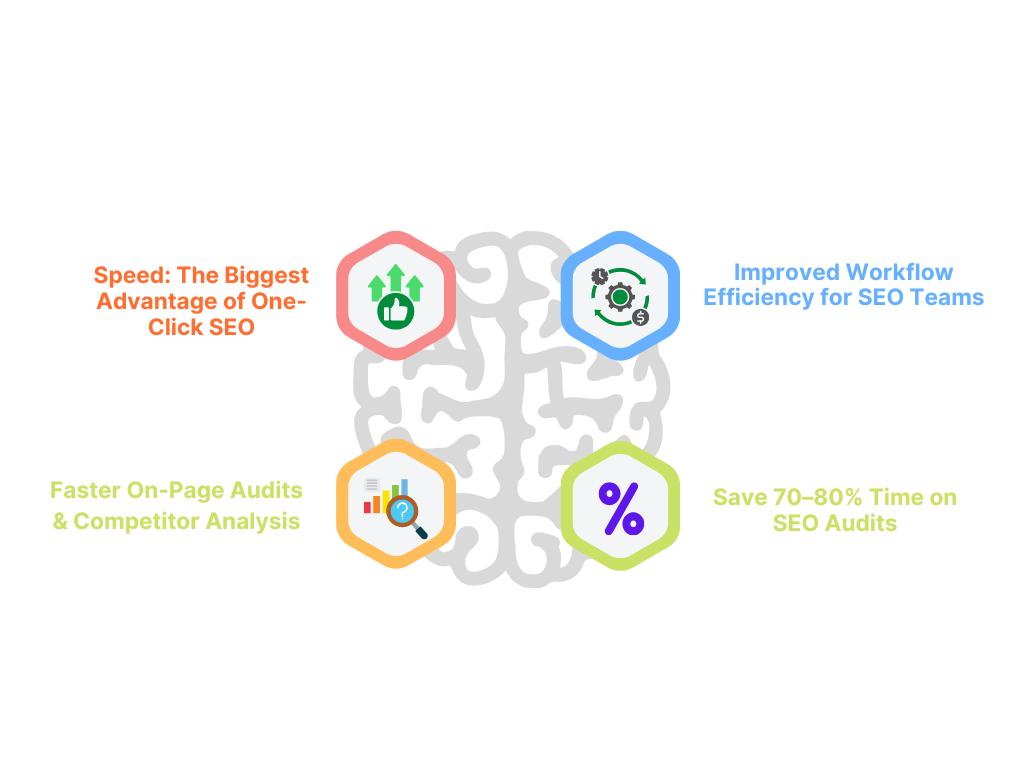
- The biggest advantage is speed. What used to require opening multiple tools or viewing page sources now happens in one click.
- For on-page SEO audits, it lets you review dozens of pages in minutes instead of hours. Competitor analysis becomes effortless — just visit a rival’s page and instantly see their title strategy, heading structure, and link profile summary.
- Workflow efficiency improves dramatically for teams. Content writers can check their drafts before publishing, developers can verify technical implementations, and SEOs can run quick health checks during link building or content refreshes.
- Many users report cutting their on-page audit time by 70–80%. The time saved translates directly into more content creation and optimization work.
How to Install and Use It
Installation takes literally 10 seconds:
1. Open the Chrome Web Store and search for “SEO Meta in 1 Click”.
2. Click “Add to Chrome” and confirm.
3. The icon appears in your extensions toolbar (puzzle piece area).
To use it:
– Navigate to any webpage you want to analyze.
– Click the extension icon.
– The panel slides in from the right with all the data organized by category.
Pro tip: Pin the icon to your toolbar for even faster access. You can also use it in incognito mode for private competitor research.
The interface is intuitive enough that most people start using it effectively within the first minute.
Alternatives & Comparisons
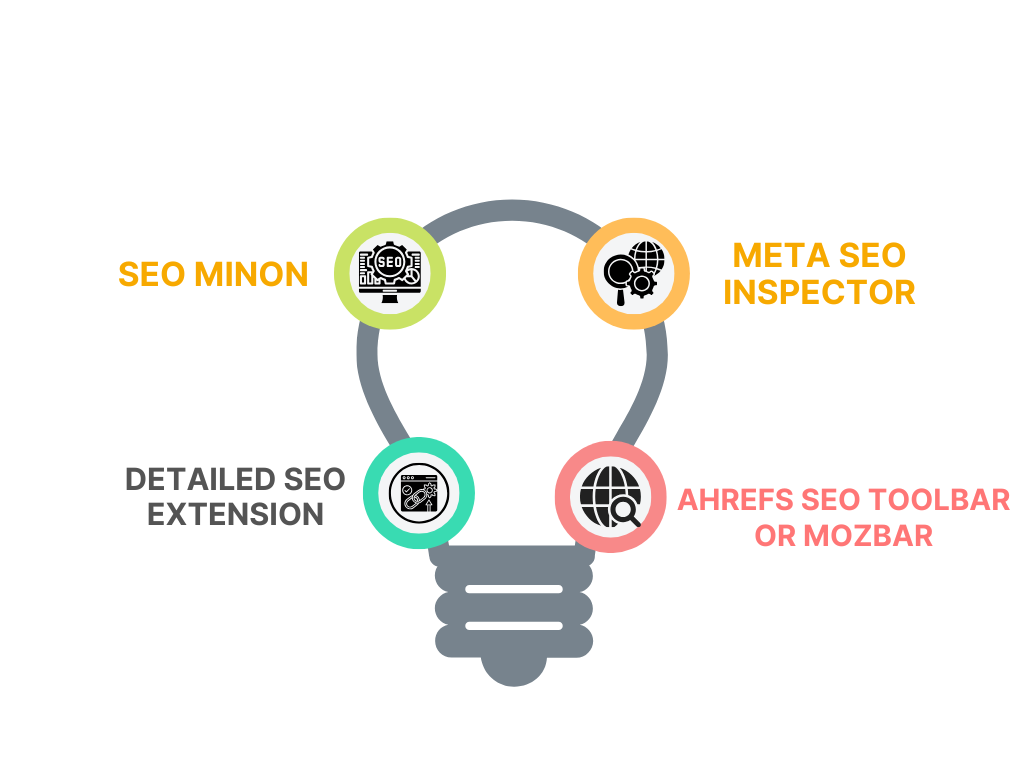
While SEO Meta in 1 Click excels at speed and simplicity, here’s how it compares to popular alternatives:
– SEO Minion: More advanced with hreflang and schema checking, but the interface feels busier. Great if you need deeper technical details.
– Detailed SEO Extension: Strong on keyword density and word count, but slower to load and less focused on meta/social tags.
– Meta SEO Inspector: Clean and focused on metadata only — lacks headings, images, and link analysis.
– Ahrefs SEO Toolbar or MozBar: More comprehensive but require accounts and are heavier on resources.
SEO Meta in 1 Click wins for quick daily checks and teams that value speed over depth. Many professionals use it alongside a premium toolbar for the best of both worlds.
Common Mistakes When Using SEO Meta in 1 Click
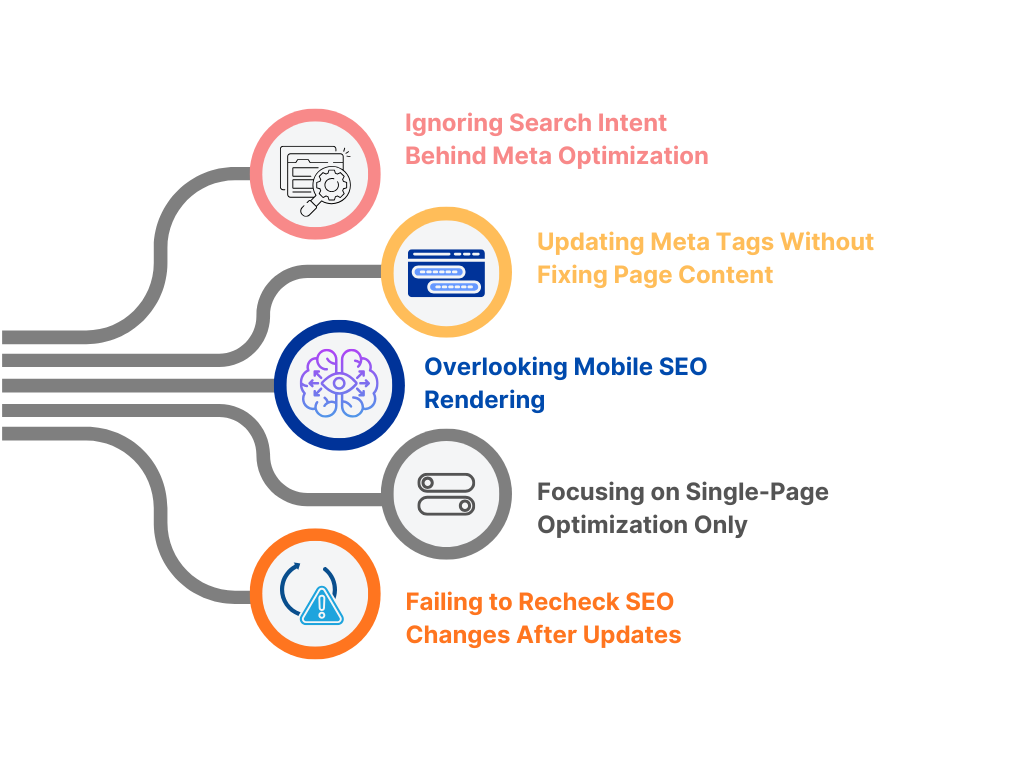
Even with a simple tool, people make these errors:
– Relying only on character counts without considering search intent
– Fixing meta tags without updating the actual page content
– Ignoring mobile rendering differences (always check on mobile view too)
– Over-optimizing based on one page without looking at the full site structure
– Forgetting to verify changes after editing (refresh the page and re-check)
Use the data as a starting point for improvements, not the final word. Combine it with manual review and user testing for best results.
FAQs
What data does SEO Meta in 1 Click show?
It displays a complete snapshot of on-page elements, including page title and length, meta description and length, canonical URL, robots meta tags, full heading structure (H1 through H6), all images with their alt text status, internal and external link counts with follow/nofollow breakdown, Open Graph and Twitter Card metadata, and basic robots.txt/sitemap information. Everything appears in one organized panel, so you can scan technical SEO health instantly without digging into the page source code.
Can it help improve on-page SEO?
Absolutely. Highlighting issues like missing alt text, duplicate headings, overly long titles, or weak meta descriptions, it gives you an instant checklist of fixes. Many users run it before publishing new pages or during site audits and catch problems that would otherwise hurt rankings. The real value comes from acting on the insights — updating titles, improving headings, and adding proper schema where needed.
Is SEO Meta in 1 Click free?
Yes, the core extension is completely free with no paid version or hidden fees. It works on unlimited pages and has no usage limits. The developer keeps it simple and ad-free, which is one reason it has hundreds of thousands of active users and consistently high ratings.
Does it work on other browsers?
Currently, it’s built specifically for Google Chrome and Chromium-based browsers (Edge, Brave, etc.). There isn’t an official Firefox or Safari version yet, though many users run it successfully through workarounds. If you primarily use Chrome for SEO work, it fits perfectly into daily workflows.
Can you export reports?
No built-in export button exists, but you can easily copy the data manually or take screenshots for documentation. Many SEOs paste the key metrics into audit spreadsheets. For teams needing formal reports, pair it with full SEO platforms that offer exportable audits.
Does it support bulk scanning?
It works on a per-page basis with one click per URL. For bulk analysis, you’d need to visit each page individually or combine it with crawling tools like Screaming Frog. It shines for quick spot checks rather than large-scale site audits.
Is it safe and privacy-friendly?
Yes — it’s a well-established extension with over 900,000 users and strong privacy practices. It doesn’t collect or store your browsing data beyond the current page analysis. The permissions are minimal and focused only on displaying page metadata. Always download from the official Chrome Web Store for safety.
What are its limitations?
It doesn’t perform keyword density analysis, full site crawling, backlink checking, or advanced technical audits like Core Web Vitals scoring. It also won’t catch JavaScript-rendered content issues on heavily dynamic sites. Think of it as a fast diagnostic tool rather than a complete SEO suite.
How does it compare to SEO Minion?
SEO Meta in 1 Click is faster and cleaner for pure meta and heading checks, while SEO Minion offers more advanced features like hreflang validation and schema inspection. Many SEOs use both — Meta in 1 Click for daily quick scans and Minion for deeper technical dives.
Can beginners use this extension effectively?
Yes, it’s beginner-friendly because the interface is clean and color-coded (green for good, red for issues). New users quickly learn what good meta lengths look like and how proper heading structure should flow. It’s an excellent training tool for understanding on-page SEO basics.
Does it work on mobile sites or responsive pages?
It analyzes the current viewport you’re viewing. For accurate mobile checks, switch to mobile view in Chrome DevTools first, then activate the extension. This helps ensure meta tags and headings behave correctly across devices.
How often should I use SEO Meta in 1 Click?
Daily for active content creators and SEOs. Run it every time you publish or update a page, during competitor research sessions, and at least monthly for full site spot-checks. Consistent use prevents small issues from becoming ranking problems.
Is there a way to use it for multiple pages at once?
Not natively, but you can create a simple workflow: open multiple tabs, switch between them, and run the extension on each. For larger audits, combine it with a crawler tool that exports URLs, then check priority pages manually.
This extension has become a daily essential for thousands of SEO professionals because it removes friction from on-page checks. Once you start using it, you’ll wonder how you ever managed without it.
If you’re serious about faster, smarter on-page SEO, install SEO Meta in 1 Click today and start spotting opportunities in seconds. Pair it with a solid overall strategy, and you’ll see measurable improvements in your rankings and traffic.
